.avif)
10 Best Notion To Do List Templates to Get More Done in 2026

Starting your day or week with a clear plan makes everything easier. A Notion To Do list keeps your tasks organized and helps you get things done. Using a task list template saves time and gives you a system that works right away, so you can stay productive without the chaos.
.avif)
Table of content
- Notion Second Brain template
- Starter System with Notion Tasks list
- Notion Task Manager template
- Advanced To-Do List Notion template
- Notion Task Manager template
- GTD Method To Do List template
- GTD Dashboard Notion template
- Notion x GTD System template
- Notion ZenTask Planner template
- Notion Daily Planner template
- How to Build a Simple To Do List in Notion
The 10 Best Notion To Do List Templates
These 10 templates are my top picks. Each one saves setup time, keeps tasks visible, and helps you stay on top of your priorities without feeling cluttered.
1. Notion Second Brain template (⭐️ Recommended)
Notion Second Brain has a built in To Do list, this template combines task management with notes, projects, and goals. I’d reach for this when I want everything from tasks to resources in one place.
Key features:
- Inbox System: Capture tasks and ideas quickly before sorting later.
- P.A.R.A. Organization: Projects, Areas, Resources, Archive for structured workflow.
- Task Breakdown: Split big projects into actionable tasks.
- Review System: Weekly check-ins to stay on track.
.avif)
2. Starter System with Notion Tasks list (Free)
This template is one of the simpler Notion To Do list templates, perfect for beginners. It makes sense for me when I just need to plan my week without fuss.
Key features:
- Daily Task List: See exactly what to do each day.
- Digital Notebook: Capture ideas and notes in one place.
- Habit Tracker: Track consistency with visual progress charts.
- Weekly Planning: Plan the whole week in 10 minutes.
.avif)
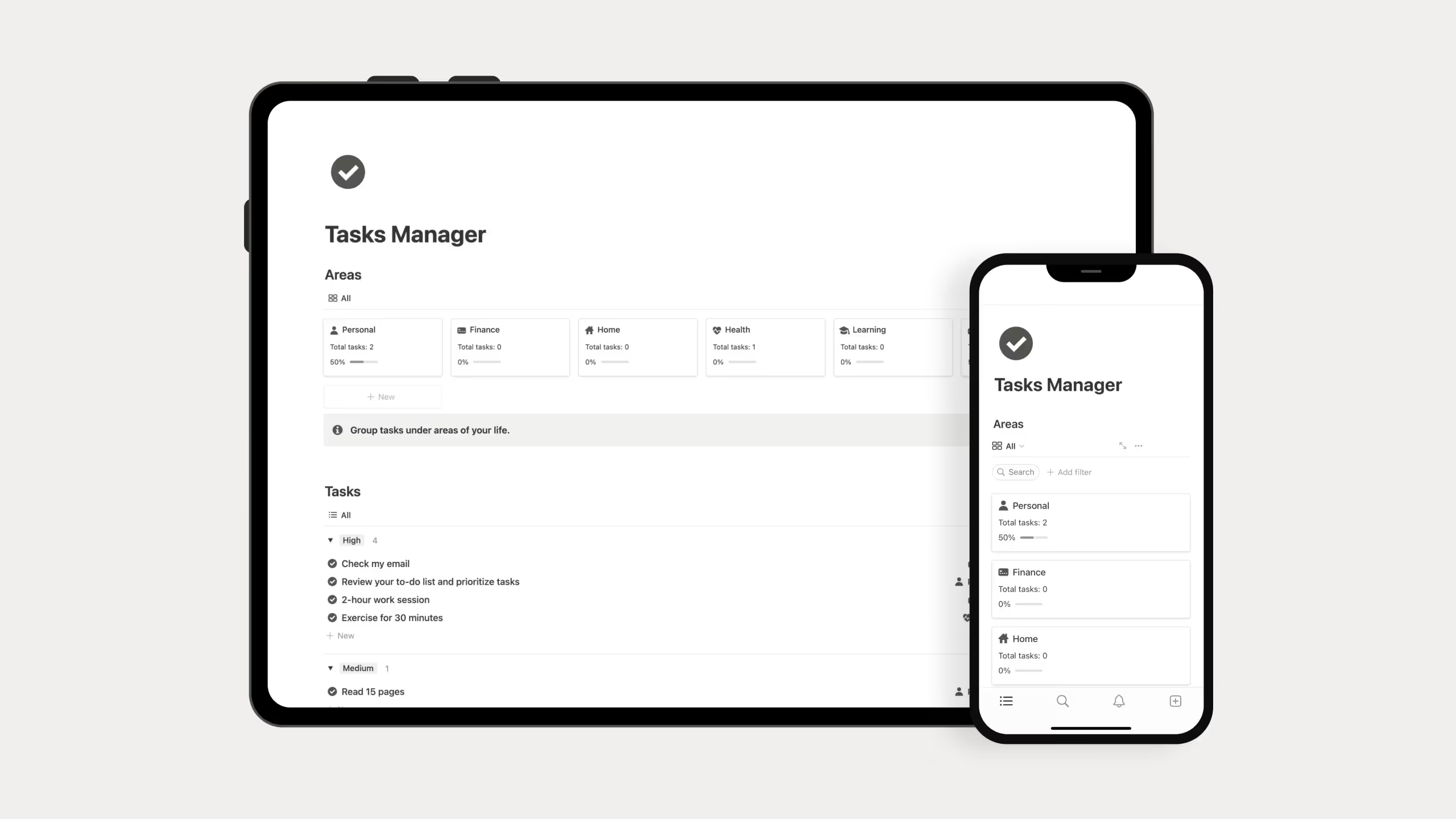
3. Notion Task Manager template (Free)
A minimalist Notion To Do list template that keeps things simple. I’d personally pick this if I want a clean task space without extra distractions.
Key features:
- Task Management: Centralized area for all tasks.
- Area Grouping: Organize tasks by work, personal, or health.
- Flexible Structure: Adjust to your needs easily.
4. Advanced To-Do List Notion template
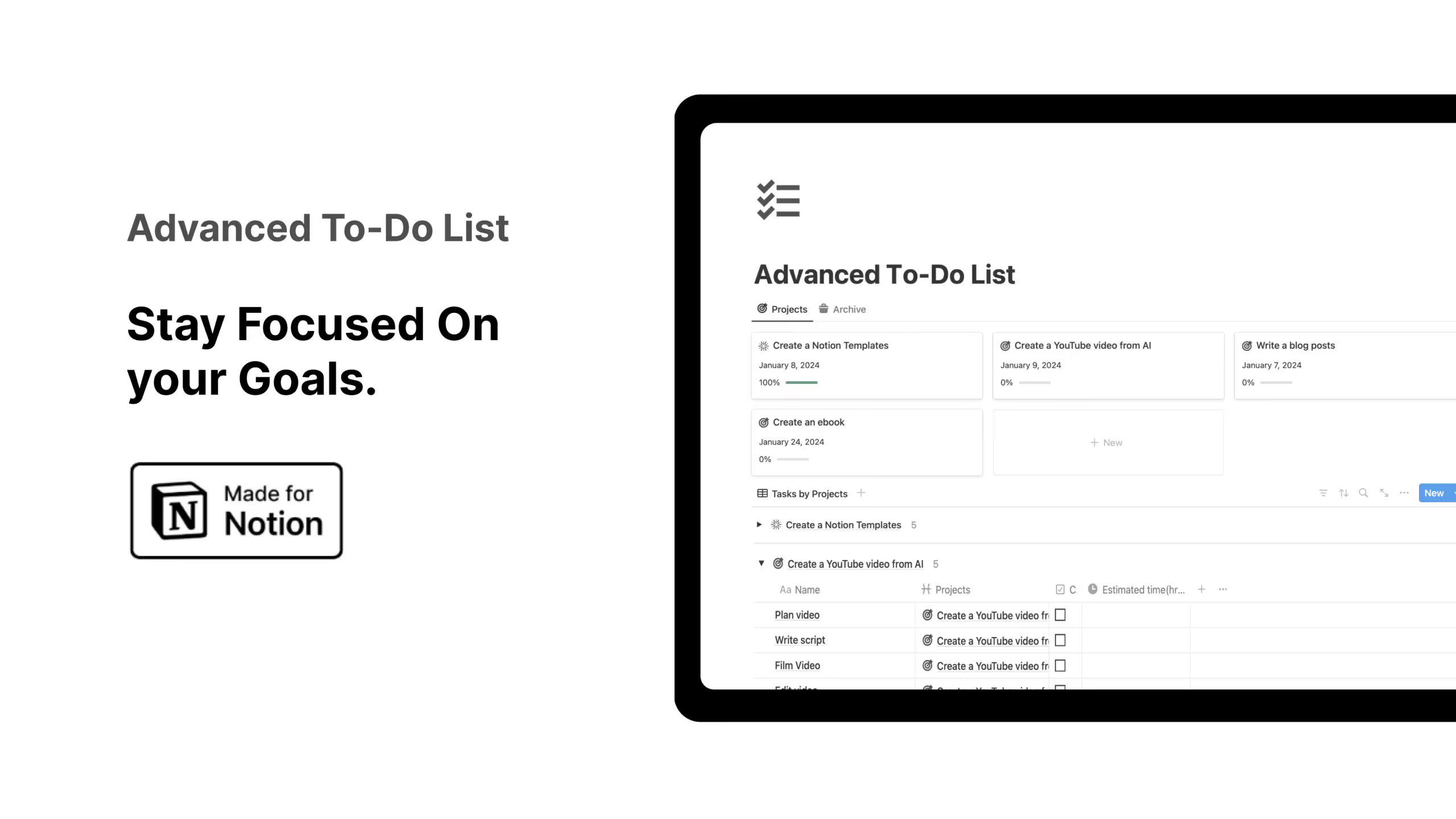
This template is a powerful Notion To Do list for people who manage multiple projects. I’d reach for it when I need progress bars, priorities, and detailed tracking.
Key features:
- Project Tracking: See deadlines and status at a glance.
- Area Assignment: Keep projects organized by category.
- Progress Visualization: Automatic progress bars.
- Custom Properties: Add tags, dates, priorities, or fields.
- Goal Focus: Filter to work on what matters most.
5. Notion Task Manager template
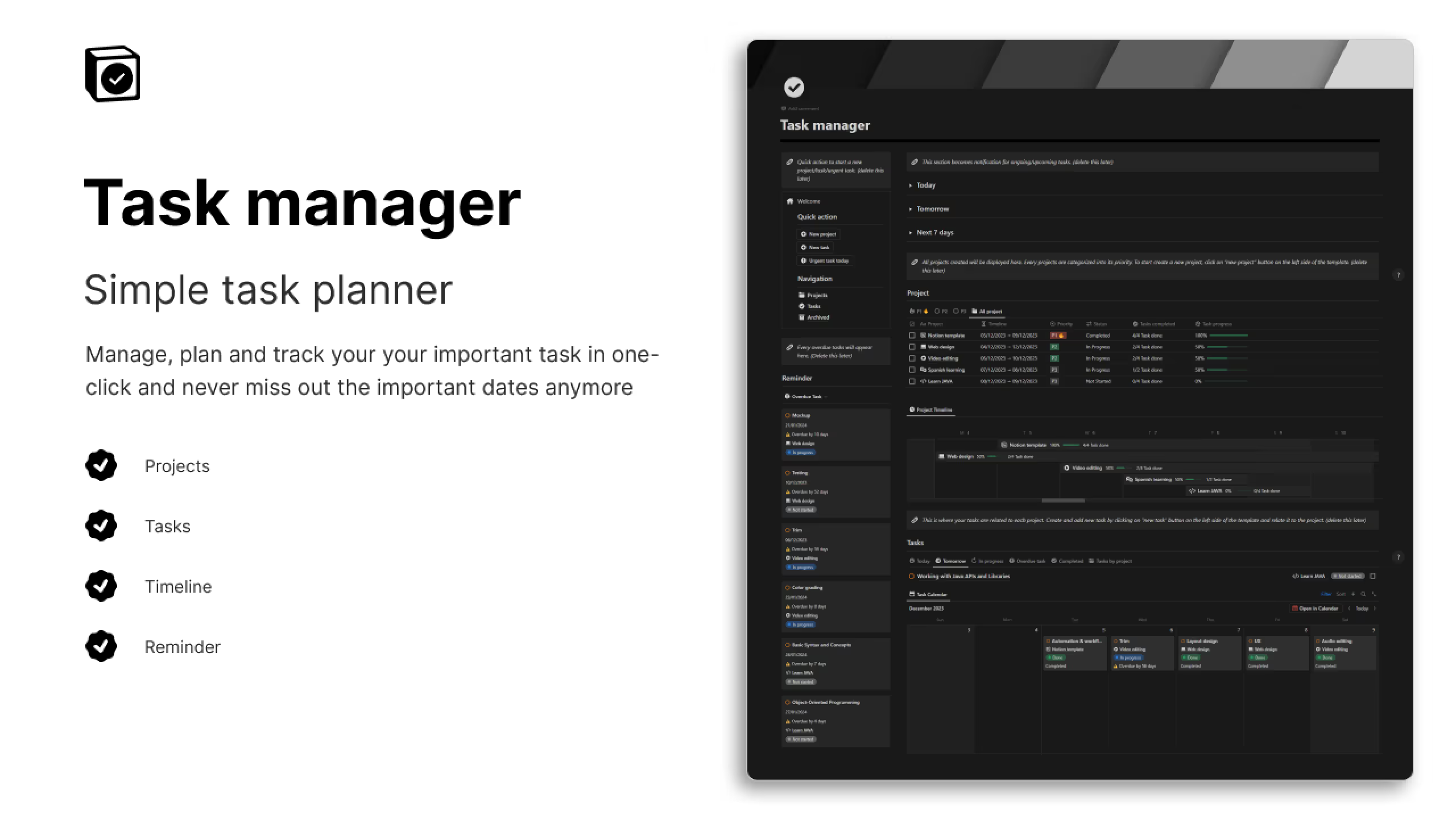
A Notion To Do list built for professionals juggling multiple timelines. This makes sense for me when work projects start feeling overwhelming.
Key features:
- Project Management: Track unlimited projects.
- Task Organization: Organize every task by project.
- Quick Action Buttons: Save time with one-click actions.
- Reminder System: Notifications for today, this week, and overdue tasks.
- Milestone Tracking: Monitor progress and deadlines.
6. GTD Method To Do List template in Notion
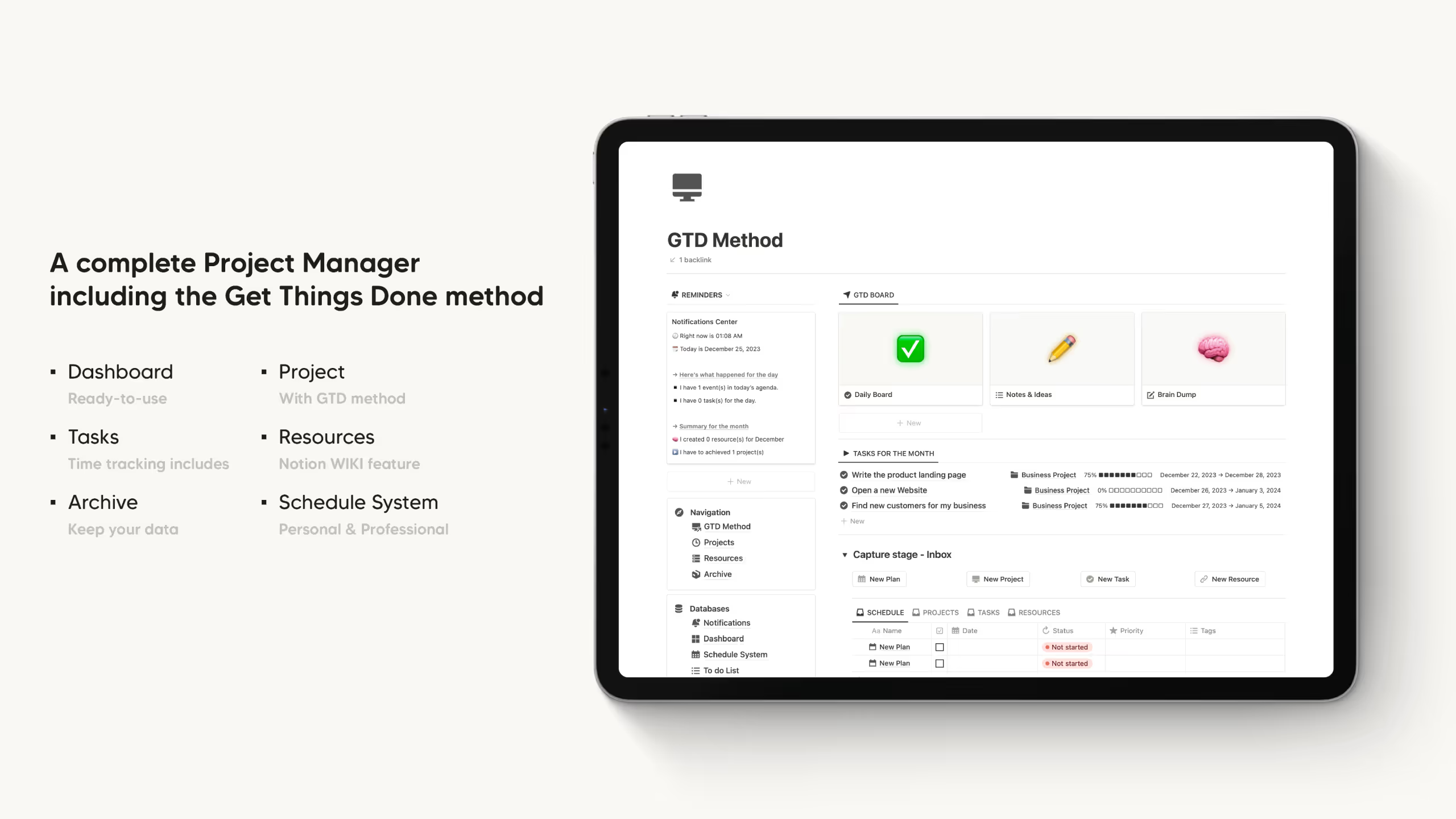
This Notion To Do list applies the Getting Things Done methodology. I’d use this when I need structure for capturing and prioritizing every task and idea.
Key features:
- Centralized Dashboard: Everything in one command center.
- Task Prioritization: Organize by due date and importance.
- Personal Wiki: Store references and resources.
- Dynamic Timeline: Visualize deadlines in real time.
- Review System: Regular check-ins to adjust priorities.
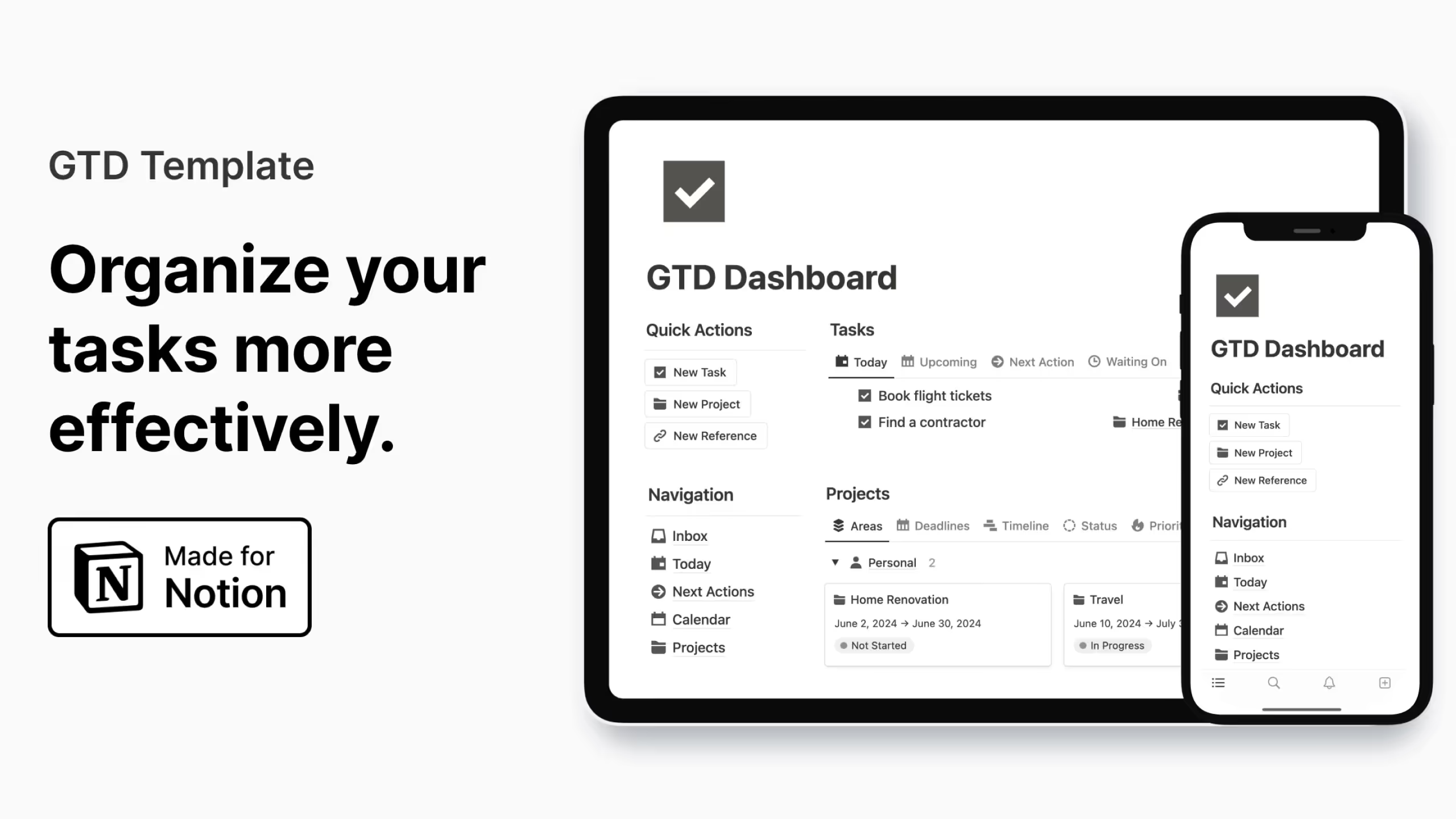
7. GTD Dashboard Notion template
A visual Notion To Do list that shows all projects and next actions. I’d personally pick this if I need a bird’s-eye view of multiple tasks at once.
Key features:
- Visual Overview: Intuitive dashboard layout.
- Context-Based Organization: Group tasks by location or tool.
- Next Actions Clarity: See exactly what to do next.
- Project Alignment: Link daily tasks to big goals.
- Capture Workflow: Quick inbox to collect new tasks.
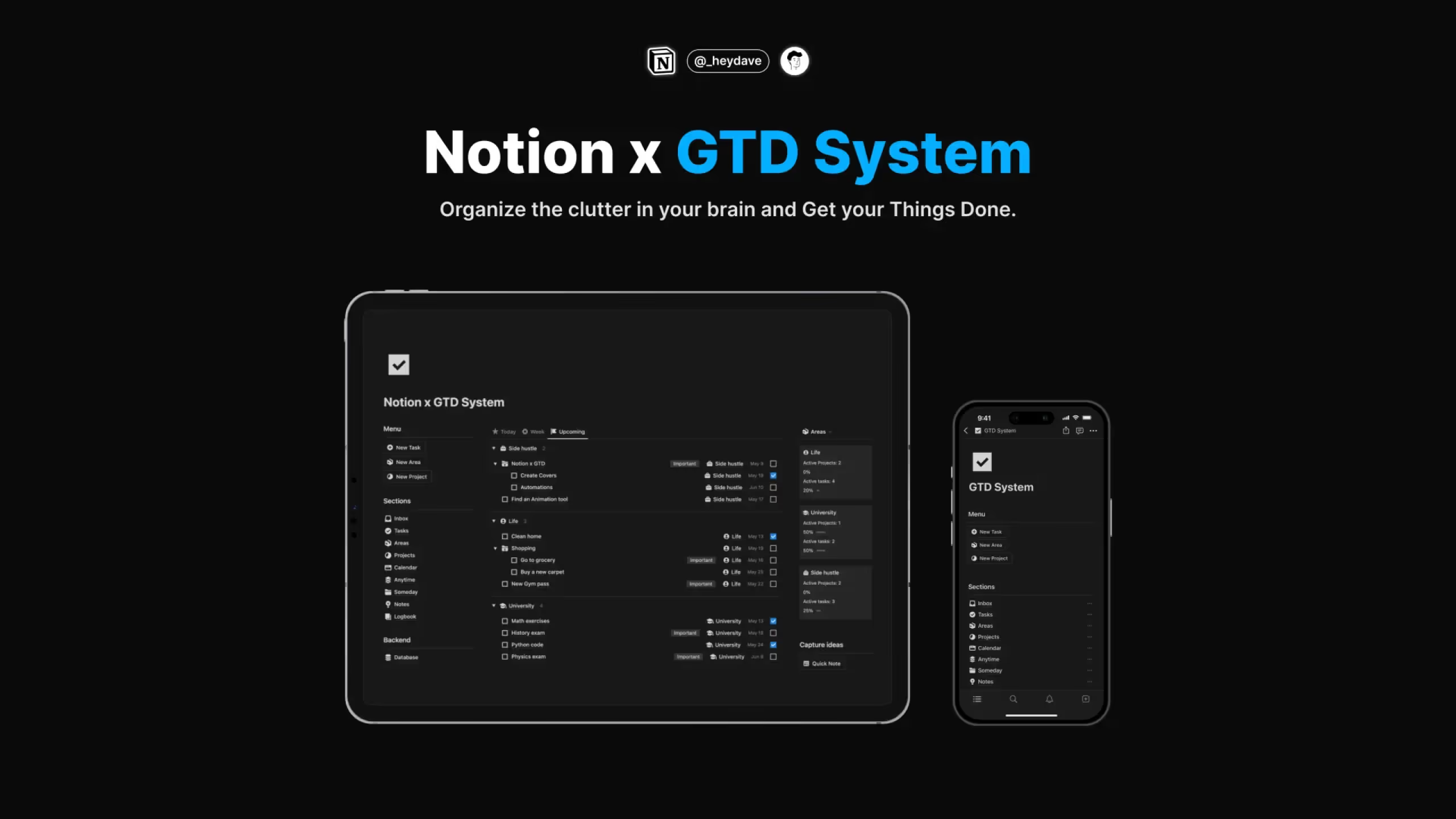
8. Notion x GTD System template
This To Do list template combines Notion’s flexibility with GTD structure. I’d reach for this when I want a sophisticated workflow that’s still easy to use.
Key features:
- Capture System: Collect everything in a trusted inbox.
- Clarify Process: Decide next steps quickly.
- Organize Framework: Automatic categorization via P.A.R.A.
- Reflect Mechanism: Regular review prompts.
- Engage Confidently: Filter tasks by context and energy.
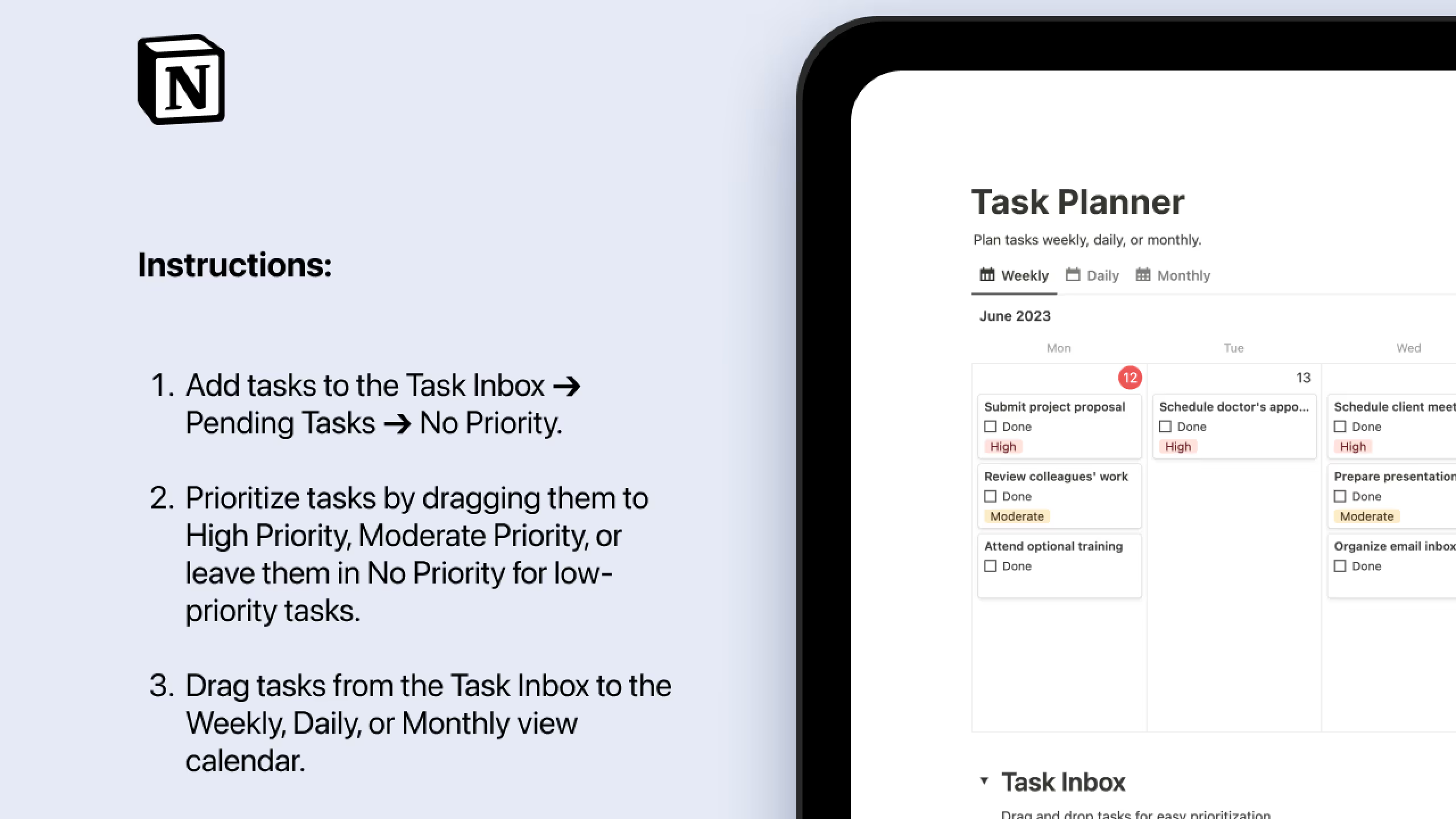
9. Notion ZenTask Planner template (Free)
A calming, mindful Notion To Do list template. I’d personally pick this if I want less stress and a more peaceful planning experience.
Key features:
- Zen Interface: Clean, calming design.
- Mindful Planning: Reflection prompts built in.
- Daily Focus: Work on a few key tasks each day.
- Progress Tracking: Gentle progress indicators.
- Customizable Views: Adjust to energy levels and priorities.
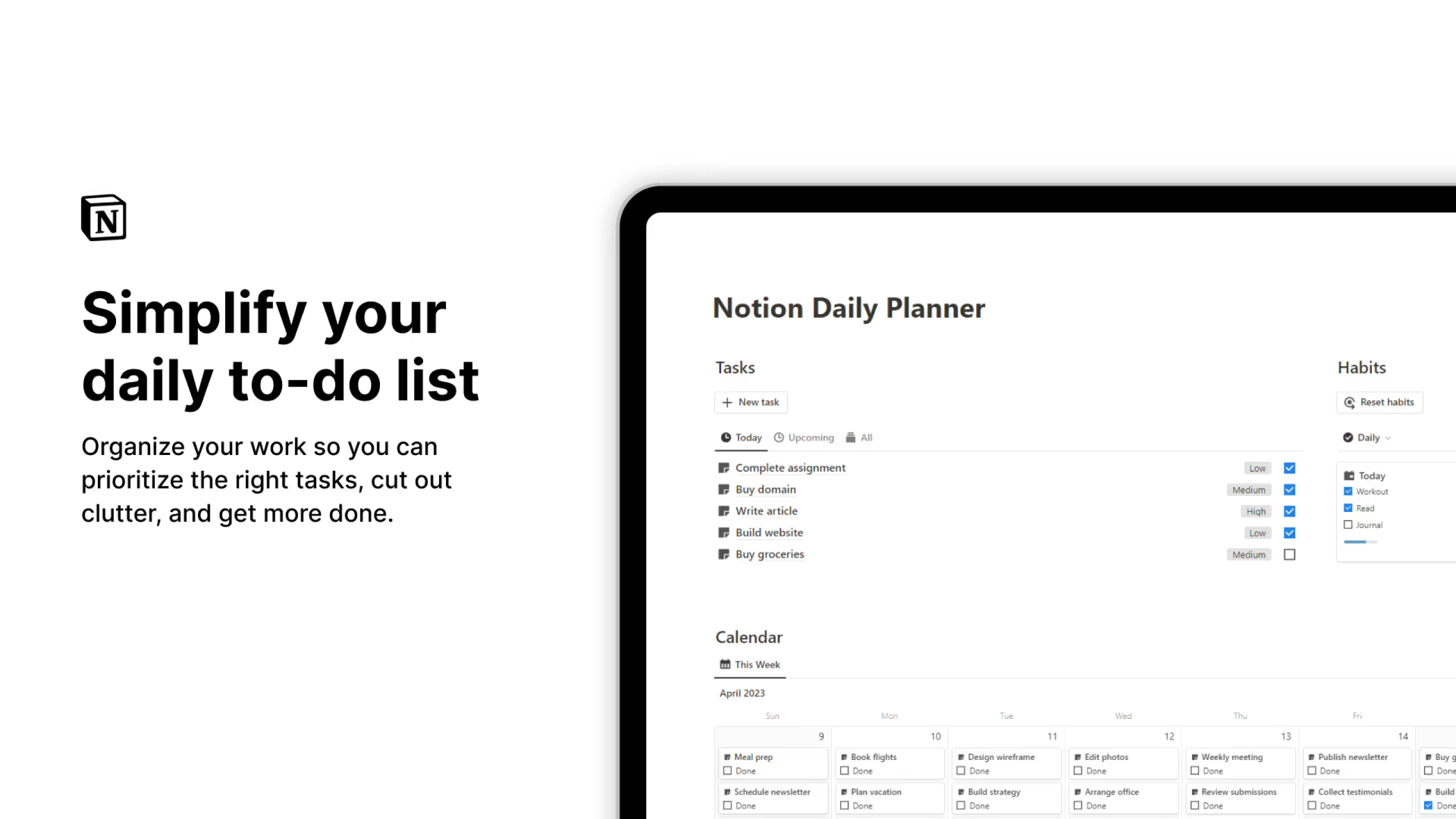
10. Notion Daily Planner template (Free)
This Notion To Do list focuses on daily planning and time blocking. I’d reach for this when I want to own my day from start to finish.
Key features:
- Daily Structure: Clear morning-to-night plan.
- Time Blocking: Allocate dedicated slots to tasks.
- Priority Focus: Work on the most important tasks first.
- Reflection Space: End-of-day prompts to adjust and improve.
- Routine Building: Morning and evening routines for momentum.
How to Build a Simple To Do List in Notion
You can create a Notion To-Do list from scratch in two ways, depending on whether you want something quick or more powerful.
Method 1: Using the To Do List Block
This is the fastest way to make a simple Notion To-Do list for checklists or daily tasks.
Steps:
- Create a new page and type
/to-door use the "+" button to select "To-Do List." - Add tasks and press Enter to create more items.
- Duplicate items with Cmd/Ctrl + D.
- Make two columns: right-click → "Turn Into" → "2 Column."
- Add reminders by typing
@Today,@Tomorrow, or@Next Monday.
This method is quick but doesn’t have advanced features like sorting, filtering, or progress tracking.
Method 2: Using a Database
For a more advanced Notion To-Do list, use a database. It’s flexible and works well for complex task management.
Steps:
- Create a new page and type
/→ choose Database (Table, List, or Board). - Rename "Name" to "Task" and add:
- Checkbox (completion)
- Date (due date)
- Select (priority, category, or status)
- Person (team assignment, if needed)
- Add filters (e.g., incomplete tasks) and sorting (e.g., by priority or due date).
Databases let you check off tasks, move them between lists, and filter by properties for more control.
Common Questions About Notion To-Do list templates
Can you create recurring tasks in Notion to-do lists?
Yes, you can create recurring tasks in Notion using the Recurring Template feature. Open the template menu, select the three dots of the template you want to use as a recurring task, click "Repeat" and select the frequency
Can I use Notion to-do lists on mobile?
Yes, Notion to-do lists work on mobile devices through the Notion app. Many templates are optimized for mobile use with features like one-click buttons and simplified views that make task management convenient on the go.
What's the difference between a to-do list block and a database in Notion?
A to-do list block is simple checkboxes perfect for quick lists. A database provides advanced features like sorting, filtering, multiple views, due dates, priorities, and the ability to check items off your list and move them to different lists or filter them by certain properties. Databases are better for complex task management.
How do I prioritize tasks in a Notion to-do list?
Add a "Priority" property to your task database with options like Low, Medium, and High. You can then sort or filter your tasks by priority level, or use methods like the Eisenhower Matrix (included in some templates) to organize tasks by urgency and importance.