.avif)
7 Best Notion Calendar Template to Plan Your Week in 2026

A Notion Calendar Template is the quickest way to turn a messy schedule into an organized system. If you’ve ever opened a blank Notion page and didn’t know where to start, you know how hard it can be to build a calendar from scratch. The right template makes it easy.
.avif)
Table of content
7 Best Notion Calendar Templates
These seven Notion Calendar Templates were picked for their high ratings, good reviews, and easy-to-use design. They make planning tasks, projects, and schedules simple and clear.
1. Notion Second Brain (⭐️ Recommended)
This Second Brain has a built-in Notion Calendar Template that helps you plan and organize projects, notes, and tasks all in one place. It’s ideal for anyone who wants a single hub for work and personal life. It’s perfect if you want everything connected
Key features:
- Inbox Capture System: Quickly save tasks and ideas to sort later.
- P.A.R.A. Organization: Separate everything into Projects, Areas, Resources, and Archives.
- Goals Tracking: Track progress toward your goals visually.
- Weekly Review System: Check and update tasks every week.
.avif)
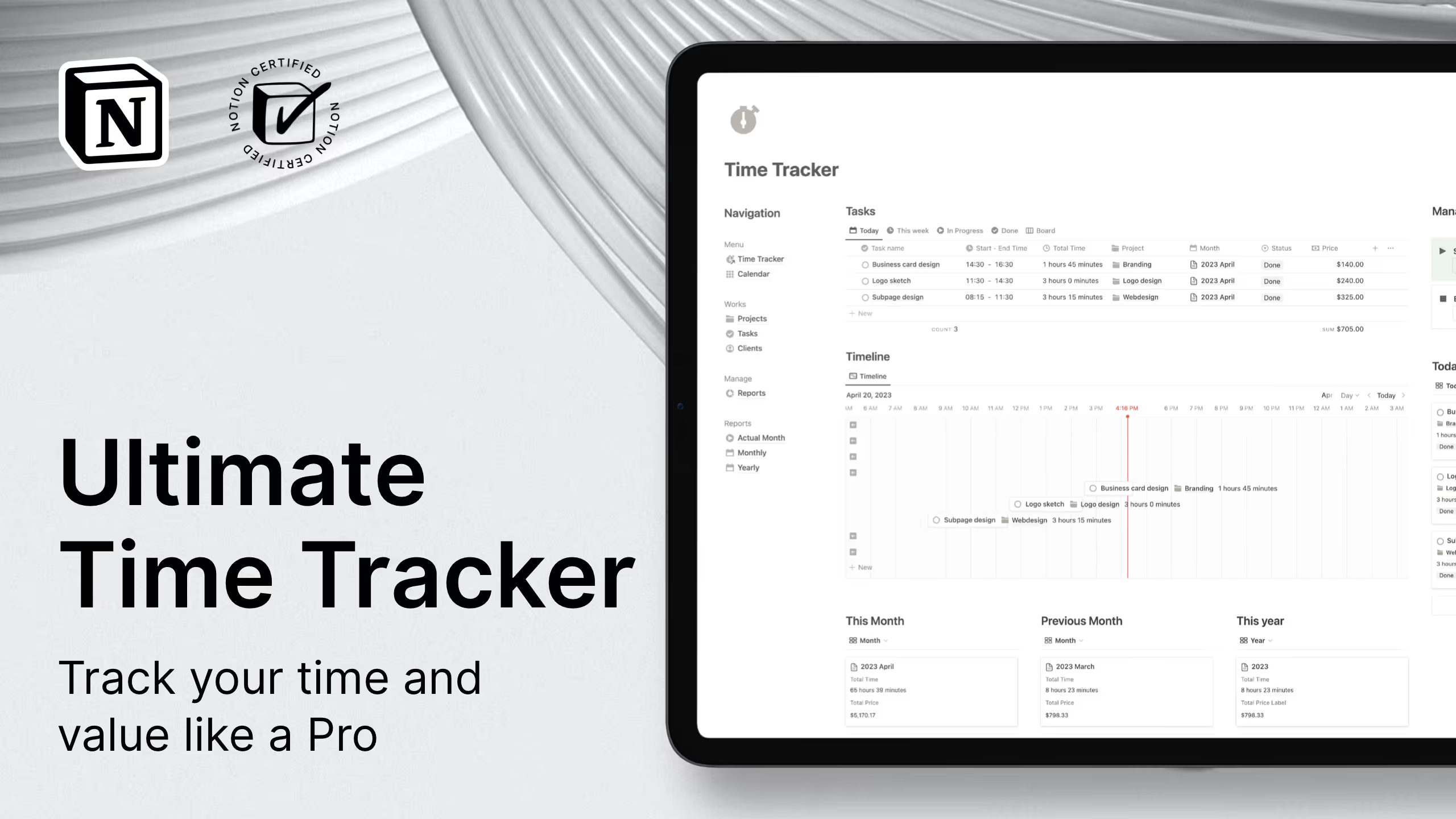
2. Ultimate Time Tracker - Notion Calendar template
With this Notion Calendar template, you can easily track your tasks, set estimated values for your projects, and monitor your progress with monthly, custom, and project reports.
Key features:
- Live Time Tracker: Track time automatically with a timer.
- Quick Time Input: Add hours manually or with preset buttons.
- Project Budget Monitoring: Compare tracked hours to estimates.
- Monthly and Yearly Reports: See detailed time reports.
- Custom Report Creator: Filter by client, project, or task.
3. Monthly Planner - Free Notion Calendar template
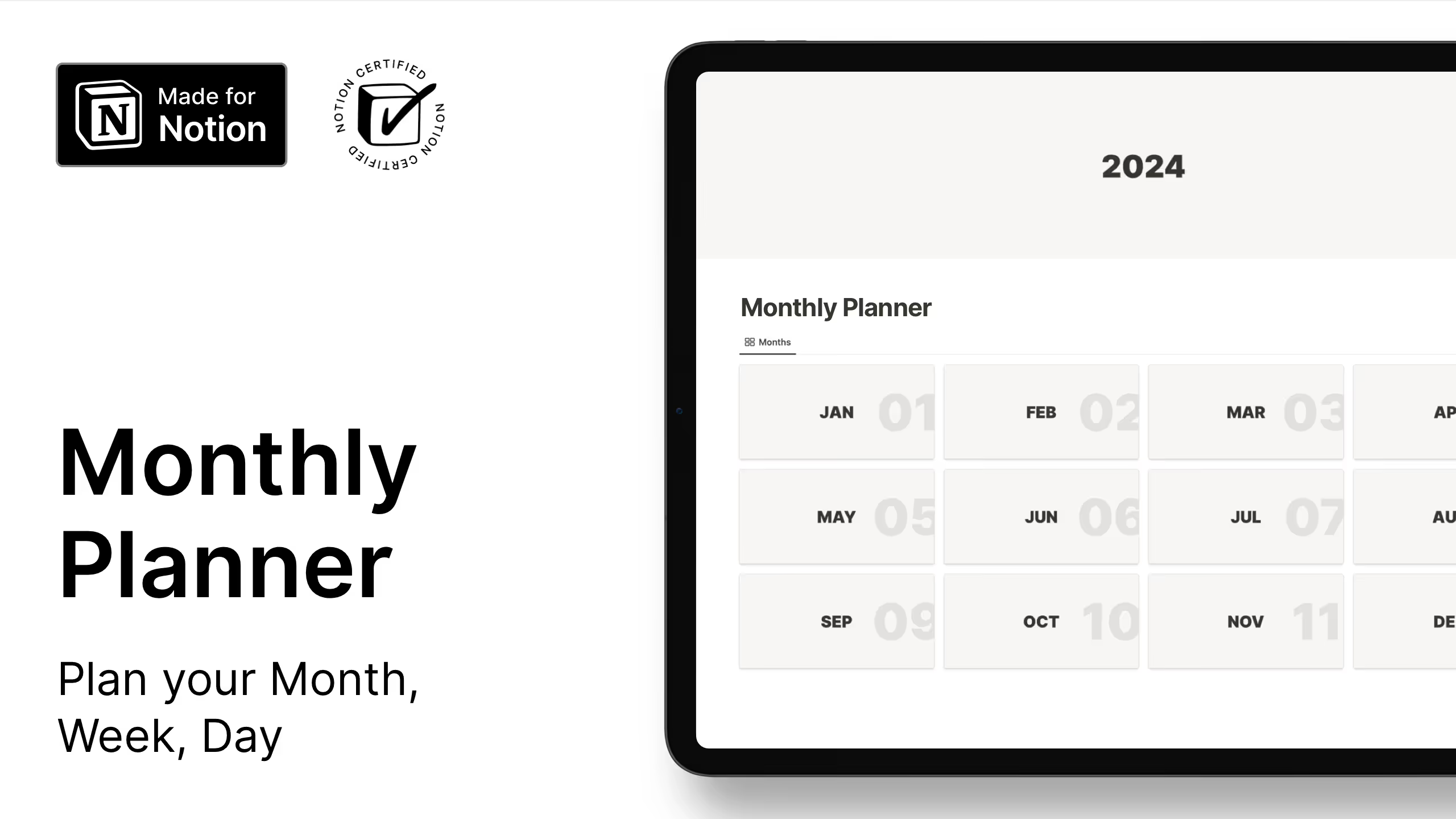
This Notion Calendar Template gives a clear view of your month with space for tasks, goals, and meals. It’s simple but covers personal and work planning.
Key features:
- Monthly Calendar View: See the whole month at once.
- Daily Planner Integration: Plan specific days in detail.
- Meal Planning Section: Organize weekly meals.
- Goal Tracker: Monitor monthly goals.
- Dual Style Options: Minimal or aesthetic design.
4. Daily Planner - Free Notion Calendar template
This Notion Calendar Template focuses on organizing each day. It’s perfect for people who want simplicity without losing structure.
Key features:
- Daily Schedule Block: Plan tasks hour by hour.
- Calendar View: See your day in the context of the week.
- Meal Planner: Track daily meals.
- Goal Setting Section: Set daily priorities.
- Notes Area: Capture thoughts and ideas.

5. Weekly Matrix Planner - Free Notion Calendar template
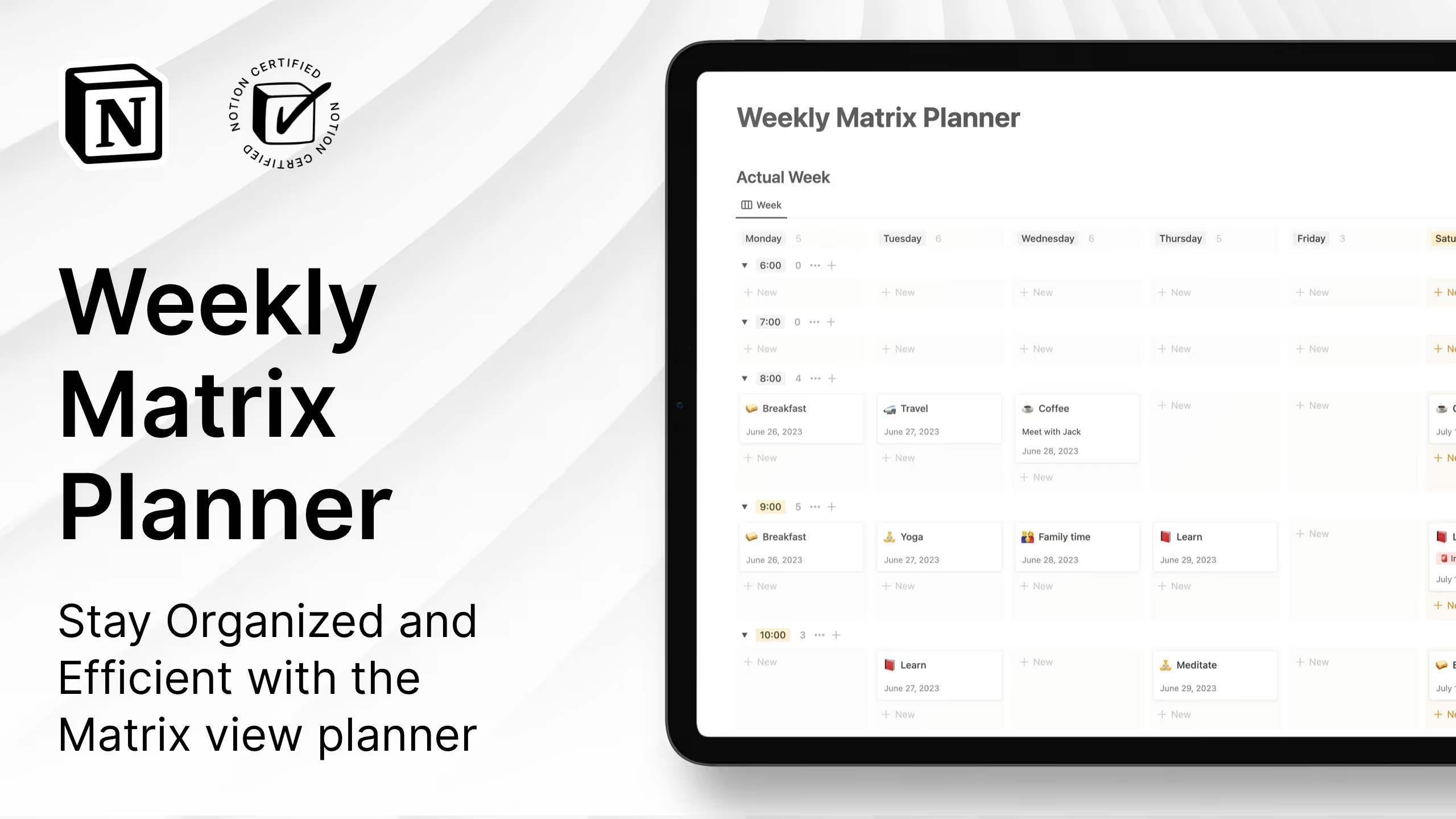
This Notion Calendar Template shows your whole week in a clear grid. It’s useful if you juggle many tasks and need to spot conflicts.
Key features:
- Matrix View Layout: Week organized by day and hour.
- Weekly Overview: See the full week at once.
- To-Do List: Keep track of tasks to schedule.
- Notes Section: Add reminders and context.
6. Pomodoro Dashboard - Notion Calendar template
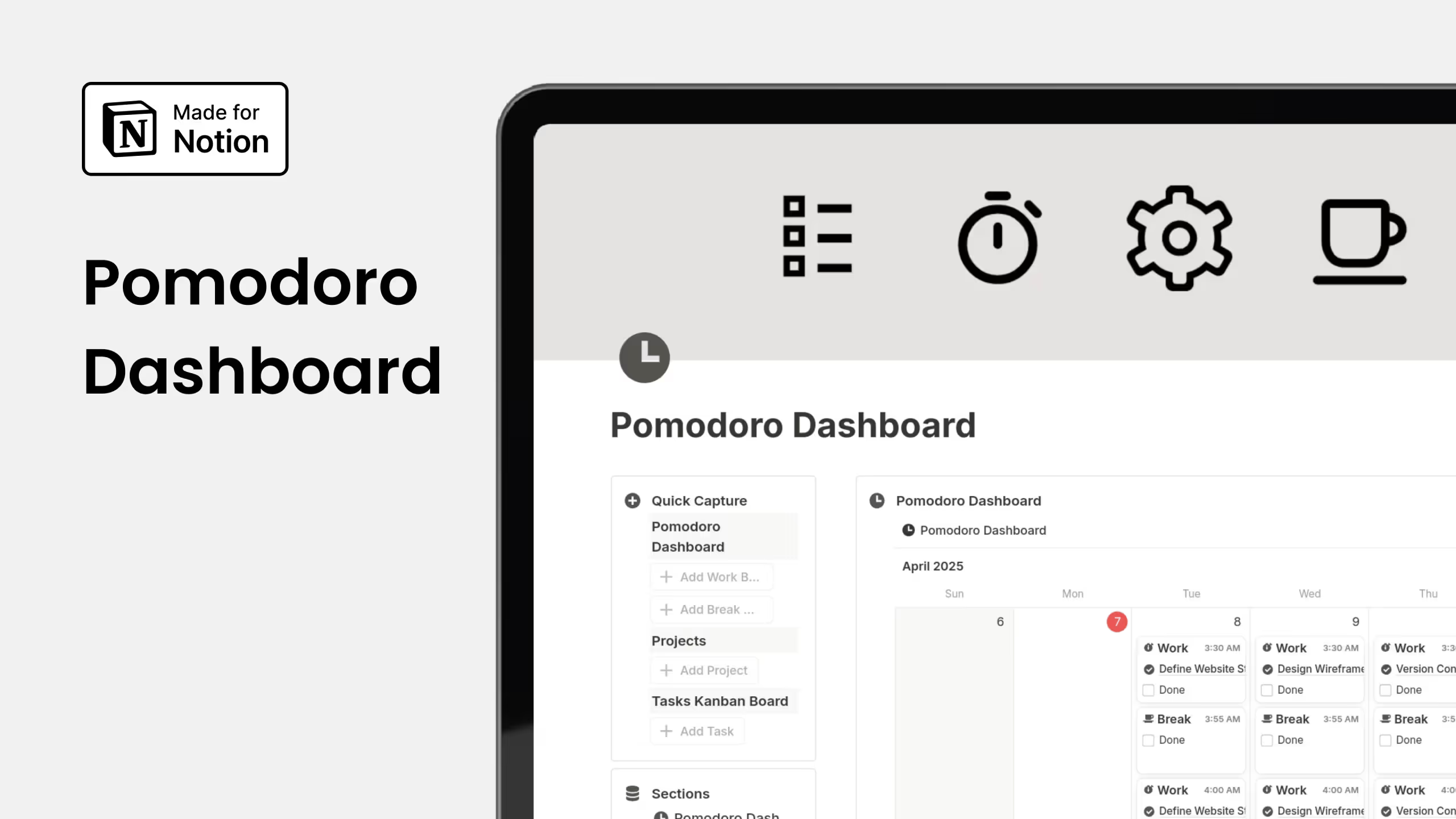
This Notion Calendar Template combines the Pomodoro Technique with project boards. It’s great if you struggle to stay focused or manage tasks.
Key features:
- Pomodoro Timer Integration: Work in 25-minute focus sessions.
- Kanban Board Layout: Organize tasks visually.
- Project Task Management: Break projects into small tasks.
- Progress Tracking: See completed tasks and focus sessions.
- Lifetime Access with Updates: Get ongoing improvements.
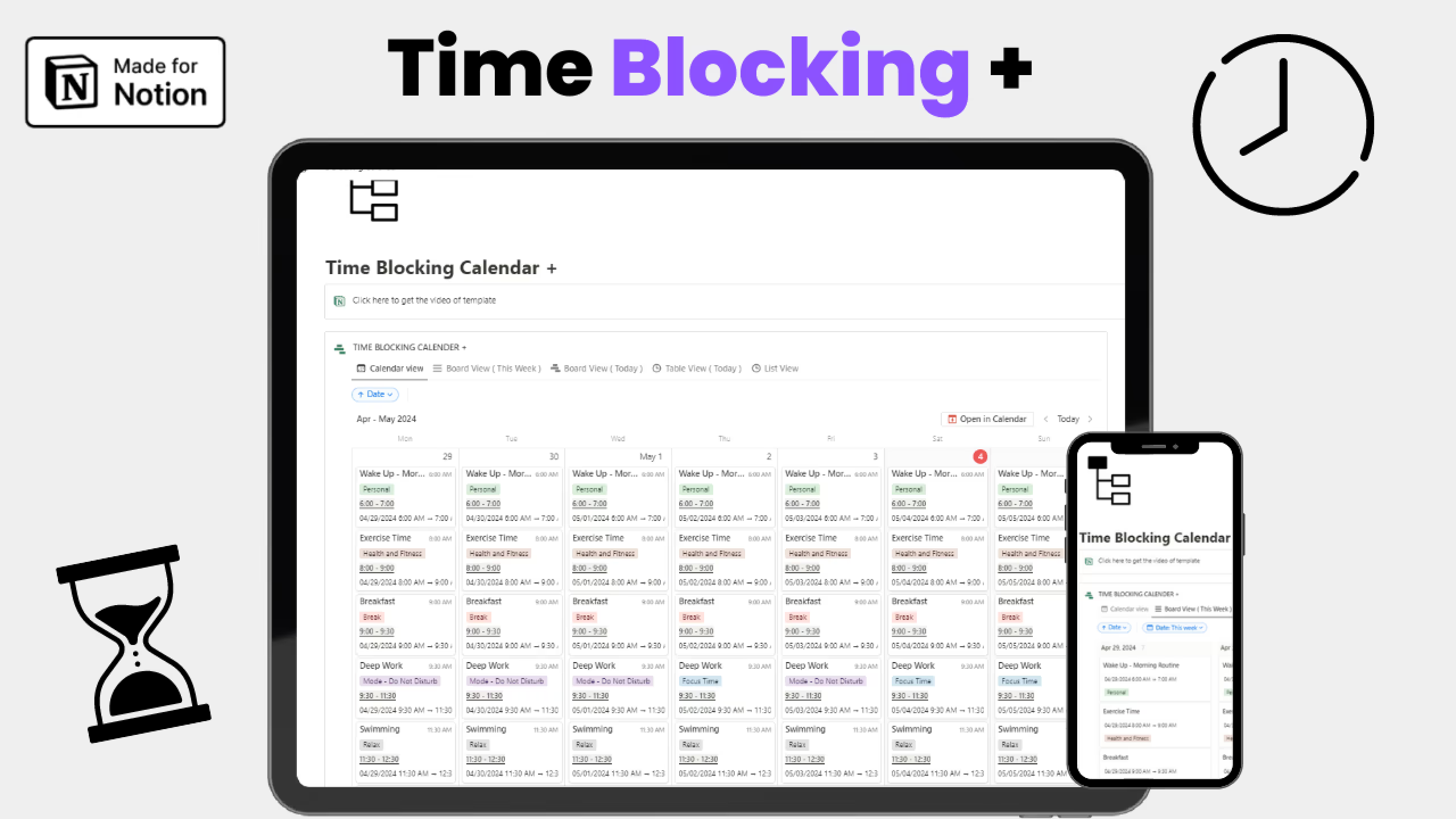
7. Time Blocking Notion Calendar template (Free)
This Notion Calendar Template lets you block time for tasks to stay intentional with your schedule. It’s ideal for anyone who wants focused work periods.
Key features:
- Time Blocking Layout: Assign tasks to specific time slots.
- Multiple View Options: Switch between Calendar, Board, Table, and List.
- Task Checklist: Track task completion.
- Better Time Management: Make sure important work gets done.
How to Build a Simple Calendar Template in Notion
Building a basic Notion Calendar Template is easier than it sounds. At its core, a calendar in Notion is just a database with a date.
Start by creating a new page in your workspace. Click the three dots under “Get started with” and select “Calendar,” or type /calendar on any page to create one inline.
Next, add a few useful properties. The date field controls when items appear, and you can add status, priority, or tags to keep things organized.
You can adjust how the calendar looks from the layout settings. Switch between monthly and weekly views depending on how you like to plan.
To add items, hover over a date and click the plus icon. You can drag items to different dates anytime to reschedule quickly.
How to Connect Your Notion Calendar Template to Notion Calendar App
The Notion Calendar app lets you sync your Notion Calendar Template with Google Calendar or Apple iCloud, so you can see all your events in one place.
Start by downloading the Notion Calendar app for Mac or Windows from Notion’s website. Open the app and sign in with your Notion account.
Next, open Settings in the Notion Calendar app. Under “Notion workspaces,” click “Add Notion workspace” and approve the connection. If you use more than one workspace, you’ll need to connect each one.
To add a calendar, make sure your Notion database has a calendar view. Open that database in Notion and click “Open in Calendar” at the top right, or add it directly from the Notion Calendar app by selecting “Add Notion database” from the sidebar.
Once connected, all dated items sync automatically. Any changes you make in Notion or the Calendar app update everywhere, keeping your schedule clean and up to date.
Common Questions About Notion Calendar templates
Do these templates work on mobile devices?
Notion works on iOS and Android devices, so any calendar template in Notion is accessible from your phone or tablet. The Notion Calendar app also has mobile versions for iPhone, giving you multiple ways to access your schedule on the go.
Can I share my Notion Calendar Template with team members?
Notion allows sharing pages and databases with team members, family, or collaborators. You can assign different permission levels so some people can edit while others can only view. This makes these templates useful for both personal and collaborative scheduling.
How do I connect external calendars like Google Calendar to my Notion Calendar Template?
The Notion Calendar app lets you connect Google Calendar, Apple Calendar. Events from these external calendars appear alongside your Notion database items, giving you a unified view of all commitments without manually duplicating entries.
What's the difference between Notion's calendar view and the Notion Calendar app?
Notion's calendar view is a way to display database items visually within the Notion app itself. The Notion Calendar app is a separate standalone application that syncs with both Notion databases and external calendars, providing additional features like event blocking and cross-platform calendar management.