.avif)
13 Best Notion Finance Templates (Free + Paid) in 2026

The best Notion finance templates let you track income, expenses, budgets, and savings goals in one customizable workspace.
If you're tired of scattered spreadsheets and forgotten subscriptions, you're not alone. According to a 2024 Bankrate survey, paying down debt is the top financial goal for Americans, with 12% prioritizing emergency savings and 10% wanting to budget better. The problem? Most people never build a system that actually works.
In this guide, I'll walk you through the best Notion finance templates available right now, explain how to choose the right one for your needs, and show you how to set up your own tracker if you prefer the DIY approach.
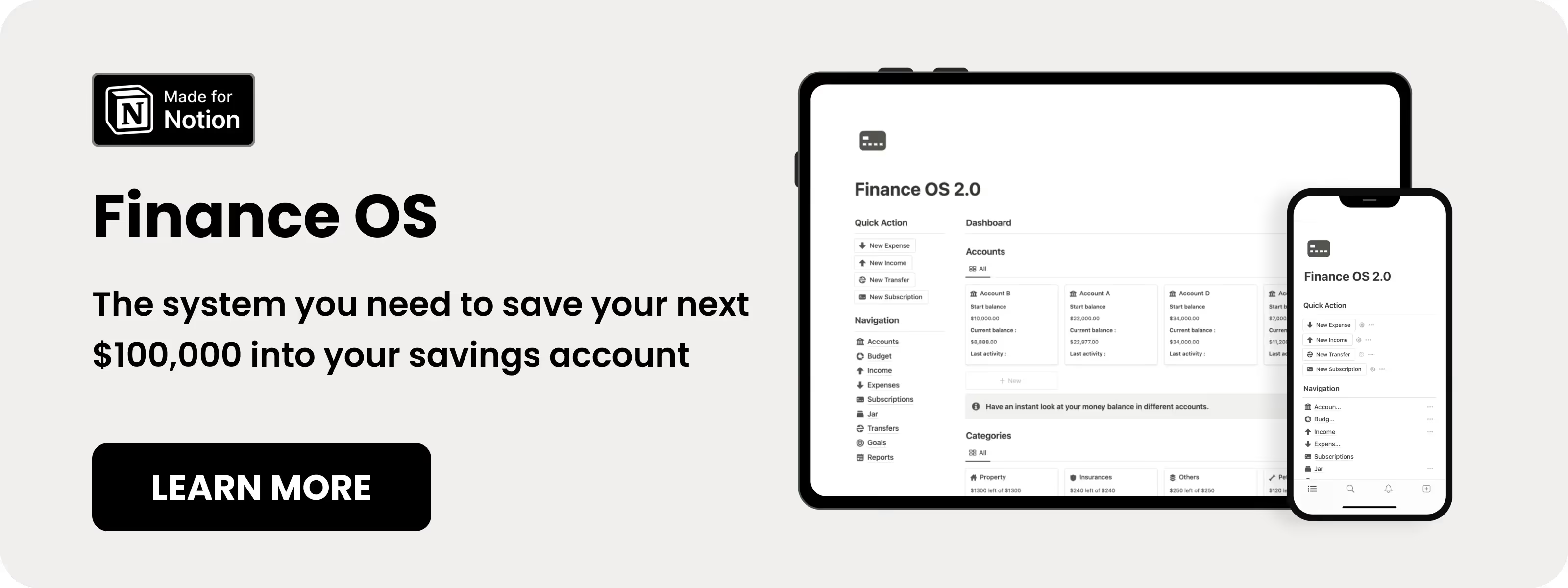
Table of content
What Are the Best Notion Finance Templates?
Here are 13 Notion finance templates worth considering, ranging from free options to comprehensive paid systems. I've verified the features listed directly from each product page.
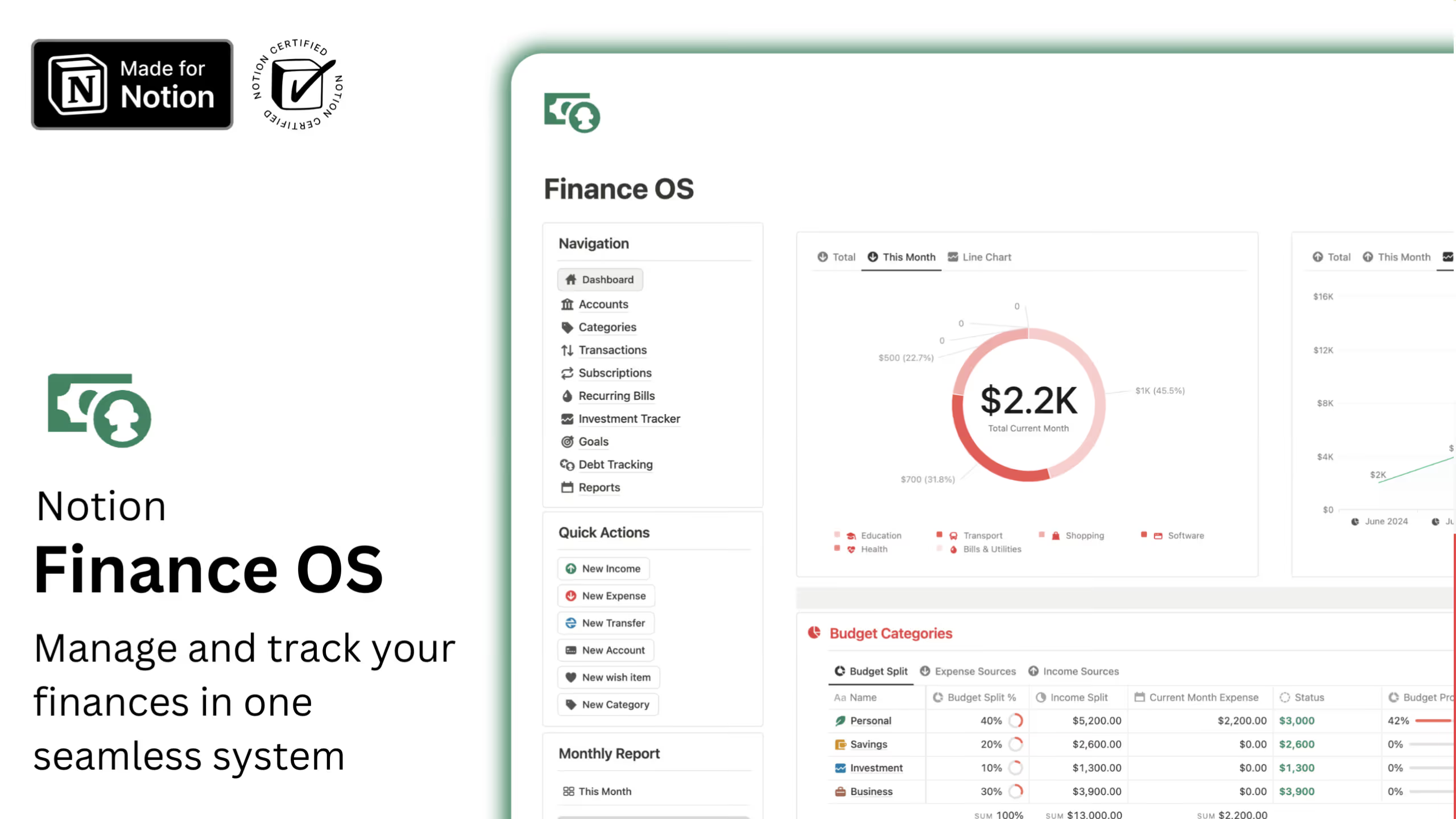
1. Notion Finance OS (⭐️ Recommended)
This all-in-one financial system covers budgeting, expense tracking, savings goals, and account management in a clean, organized dashboard. It's designed for people who want everything in one place without building from scratch.
Key Features:
- Dashboard overview: View accounts, income, and expenses at a glance
- Budget planning: Set and track budgets across different spending categories
- Savings goals: Create and monitor progress toward financial targets
- Subscription tracking: Keep tabs on recurring payments
- Account transfers: Track money movement between accounts
- Lifetime updates: Get future improvements at no extra cost
.avif)
2. Notion Finance Tracker
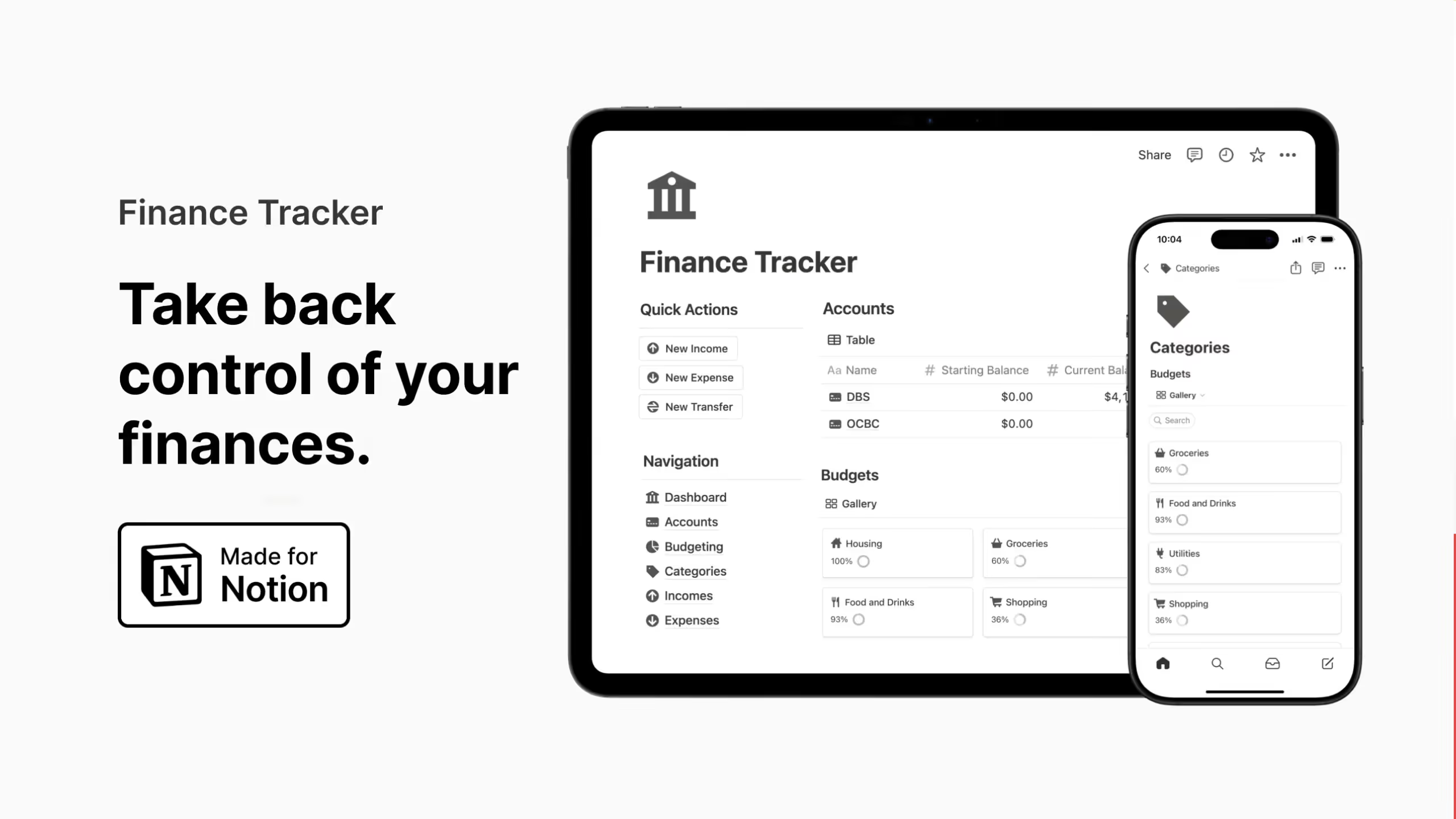
One of the most popular Notion finance templates with a 4.9-star rating from 134 reviews. Easlo's tracker focuses on giving you a complete financial dashboard without overwhelming complexity.
Key Features:
- Account balances: Monitor multiple accounts in one view
- Monthly reports: Generate automatic summaries of your finances
- Fund transfers: Track money moved between accounts
- Financial goals: Set and monitor savings targets
- Monthly budgets: Control spending by category
- Subscription tracking: Never forget a recurring payment
3. Notion Finance Tracker
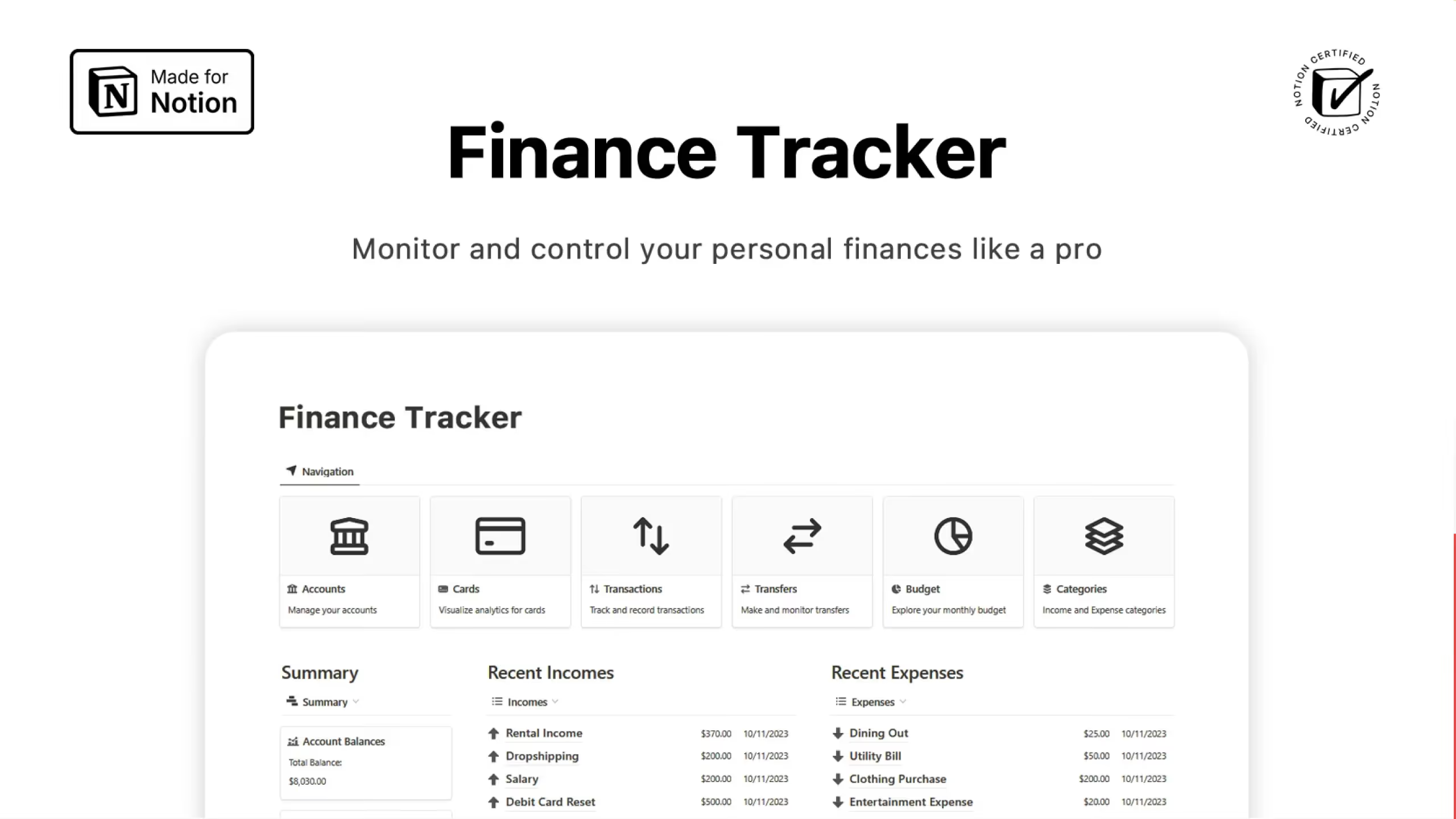
Available in multiple tiers from free to extended, this template offers flexibility based on your needs. The extended version supports 13 currencies and includes over 40 pre-built account types, making it ideal for people with diverse financial situations.
Key Features:
- Multiple account types: Track checking, savings, credit cards, and more
- Bill manager: Stay on top of payment due dates
- Wish list tracking: Save for specific items you want to buy
- Credit card functionality: Monitor card spending separately
- Monthly budgeting: Set and track spending limits
- Multi-language support: Available in English, Portuguese, and Spanish
4. Notion Finance Tracker
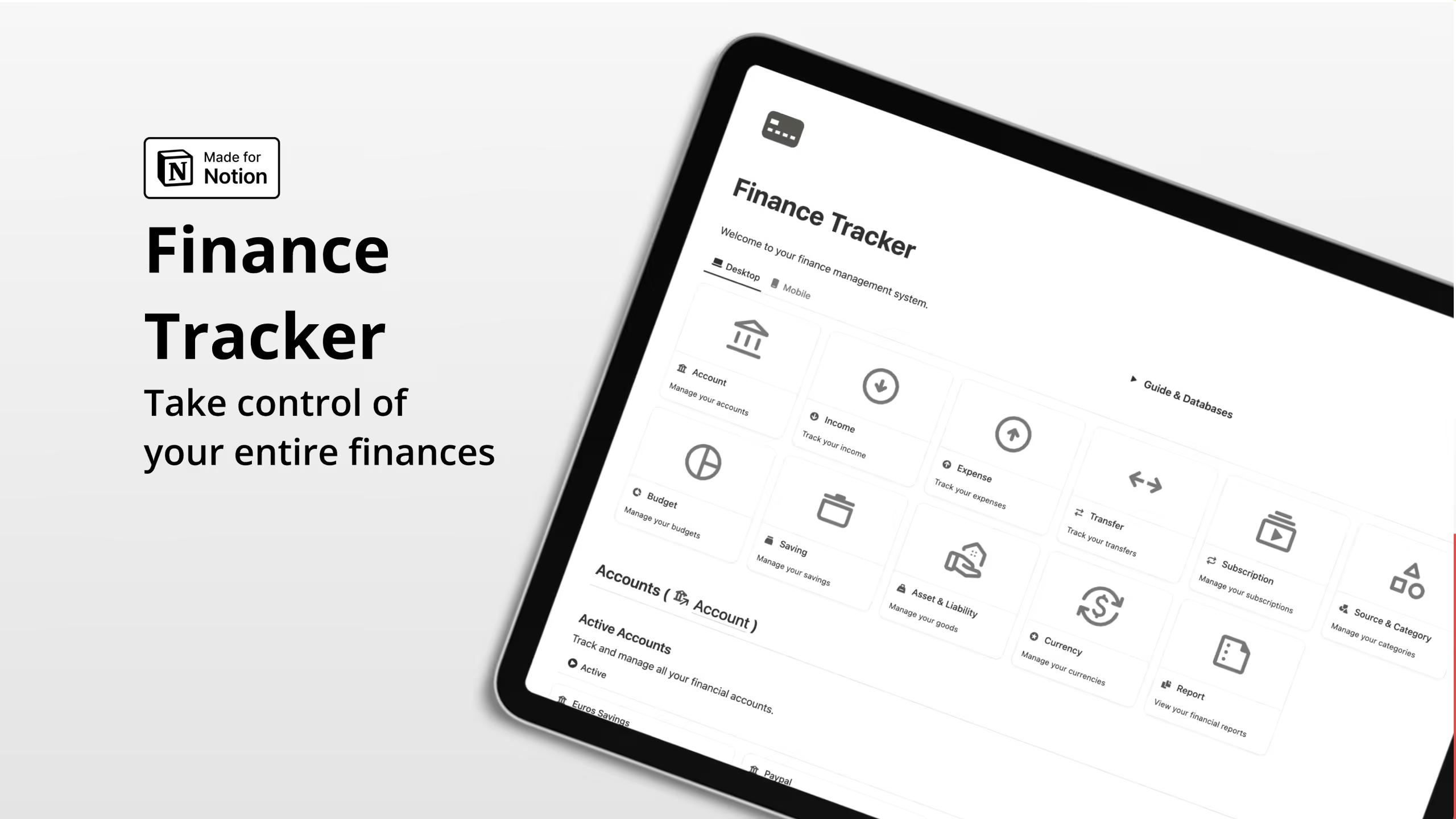
This template stands out for its multi-currency support and automatic reporting. If you deal with international transactions or accounts in different currencies, this one handles the complexity well.
Key Features:
- Multi-currency accounts: Manage local and international finances
- Automatic reports: Monthly, quarterly, and yearly summaries generated for you
- Asset and liability tracking: Calculate your net worth automatically
- Subscription management: Get alerts before renewal dates
- Budget and savings goals: Plan and track financial targets
- Custom charts: Visualize your finances with built-in graphics (paid plan)
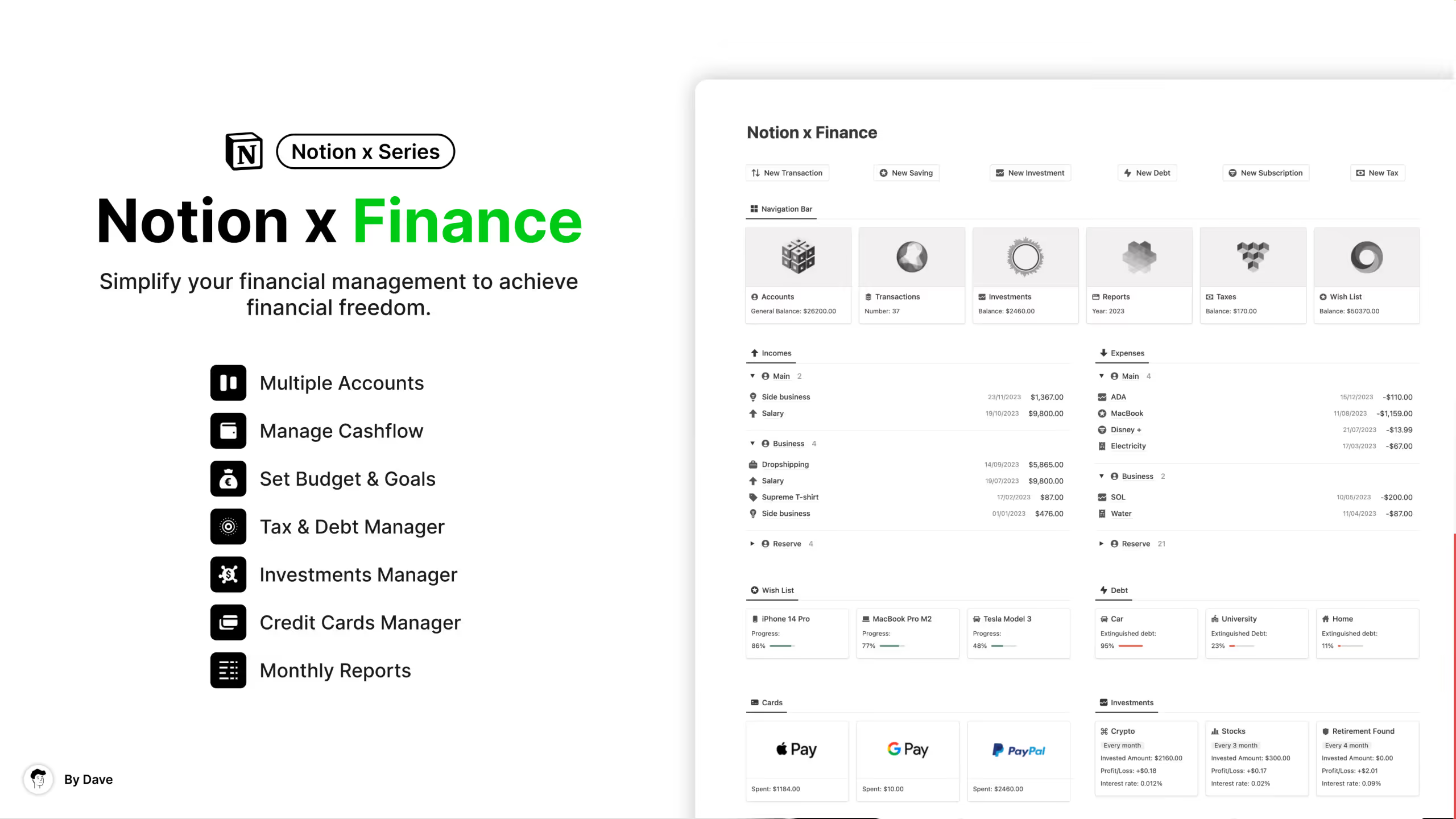
5. Notion x Finance
Built by a Notion Certified creator, this template emphasizes simplicity with powerful features underneath. It includes TradingView integration in the Pro version for people who want to track investments alongside their regular finances.
Key Features:
- Transaction categorization: Analyze spending patterns over time
- Credit card manager: Track spending by card
- Investment tracker: Monitor your investment positions
- Tax and debt manager: Schedule payments and track progress
- Savings goals (Jar boxes): Save for specific targets
- 30+ automations: Reduce manual data entry
6. Notion Finance OS
A comprehensive system that includes advanced subscription tracking connected to your accounts. When you record a subscription expense, it automatically detects the amount from your accounts, reducing manual work.
Key Features:
- Expense and income tracking: Log all financial transactions
- Monthly budgeting: Set limits and monitor spending
- Subscription management: Advanced tracking connected to accounts
- Debt tracking: Monitor what you owe
- Account transfers: Move money between accounts easily
- Automatic monthly reports: Generated summaries of your finances
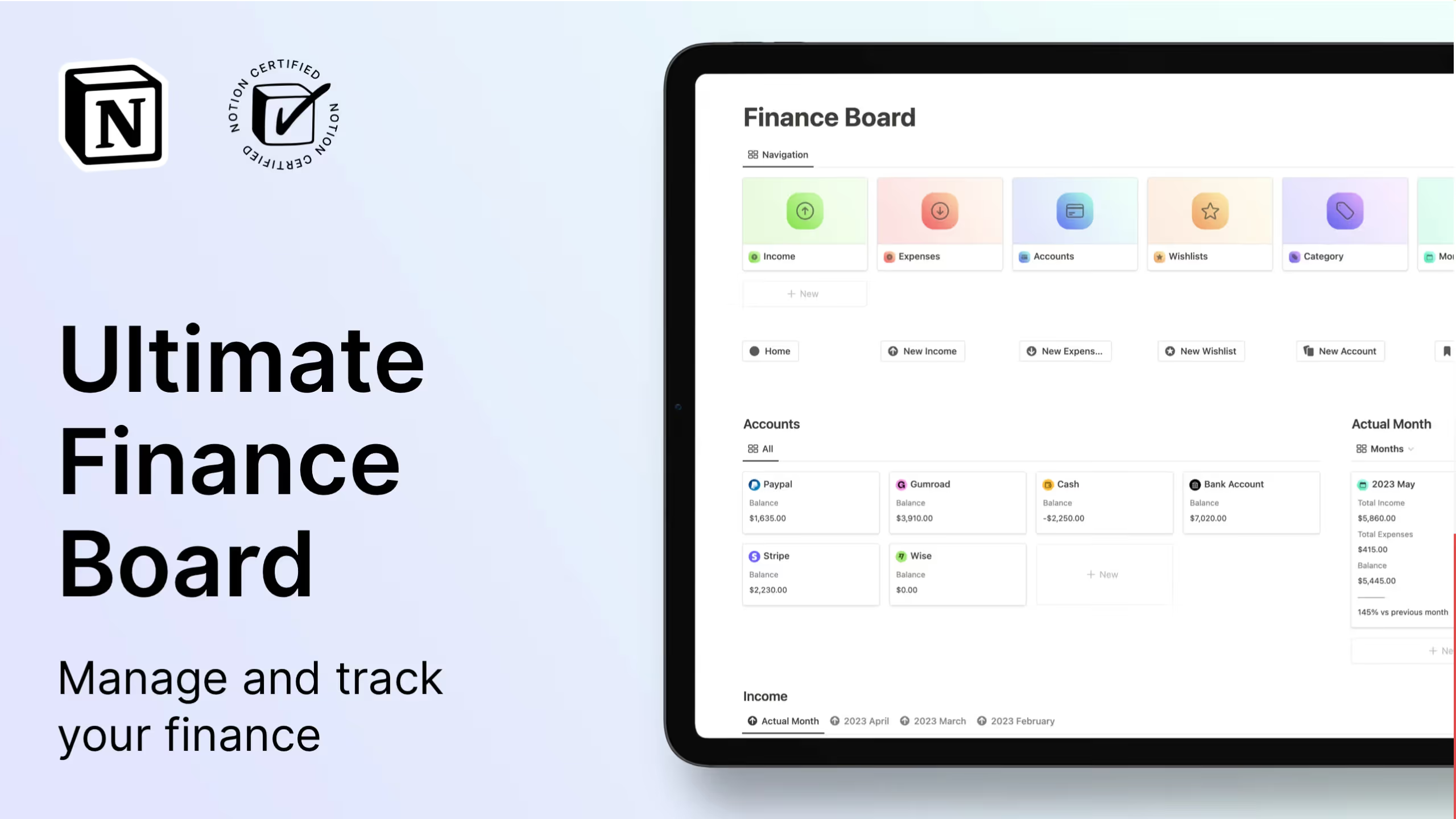
7. Ultimate Finance Tracker
With a 4.7-star rating from 33 reviews, this template focuses on clean design and easy navigation. It includes both light and dark modes and provides a detailed monthly report view.
Key Features:
- Income and expense tracking: Log all transactions with categories
- Account management: Track multiple financial accounts
- Category organization: Sort spending into meaningful groups
- Wishlist tracking: Plan for future purchases
- Monthly reports: Review your finances period by period
- Light and dark mode: Choose your preferred visual style
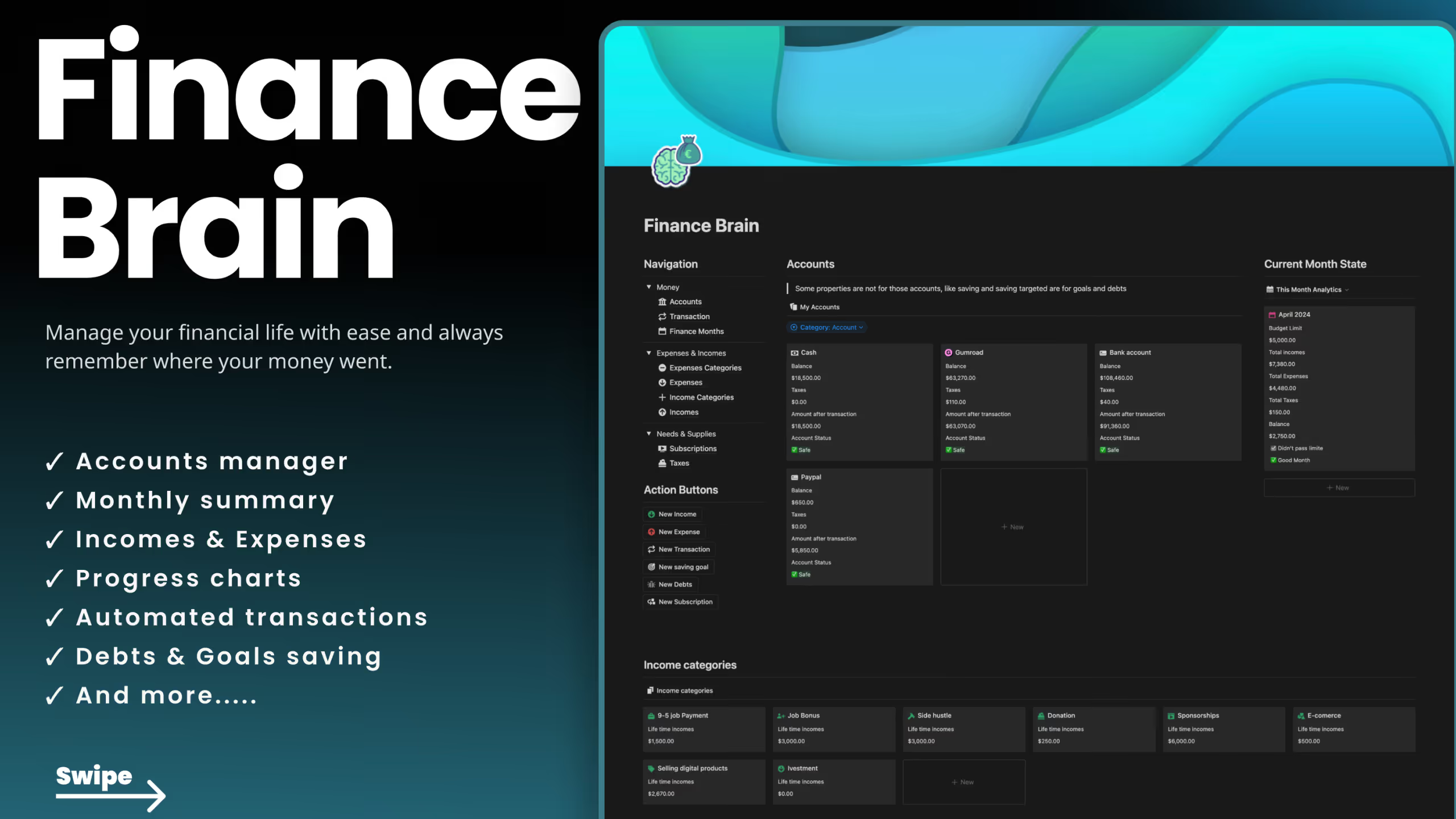
8. Notion Finance Brain
This template positions itself as a complete "financial brain" with an advanced budgeting system and fully automated subscription tracking. The automation handles recurring expenses without manual entry each month.
Key Features:
- Accounts manager: Track all your financial accounts
- Advanced budgeting system: Detailed budget planning and monitoring
- Automated subscriptions: Fully automated recurring expense tracking
- Taxes manager: Keep track of tax obligations
- Saving goals and debt manager: Plan for savings and debt payoff
- Transaction tracker: Log all income and expenses
9. Notion Finance Tracker
A straightforward option with video instructions included. This template covers the essentials without overwhelming you with features you might not use.
Key Features:
- Dashboard view: See your entire financial picture at once
- Account tracking: Monitor all your accounts
- Income and expense logging: Record transactions easily
- Recurring payment tracking: Manage subscriptions and regular bills
- Category organization: Sort transactions for analysis
- Video instructions: Learn how to use every feature
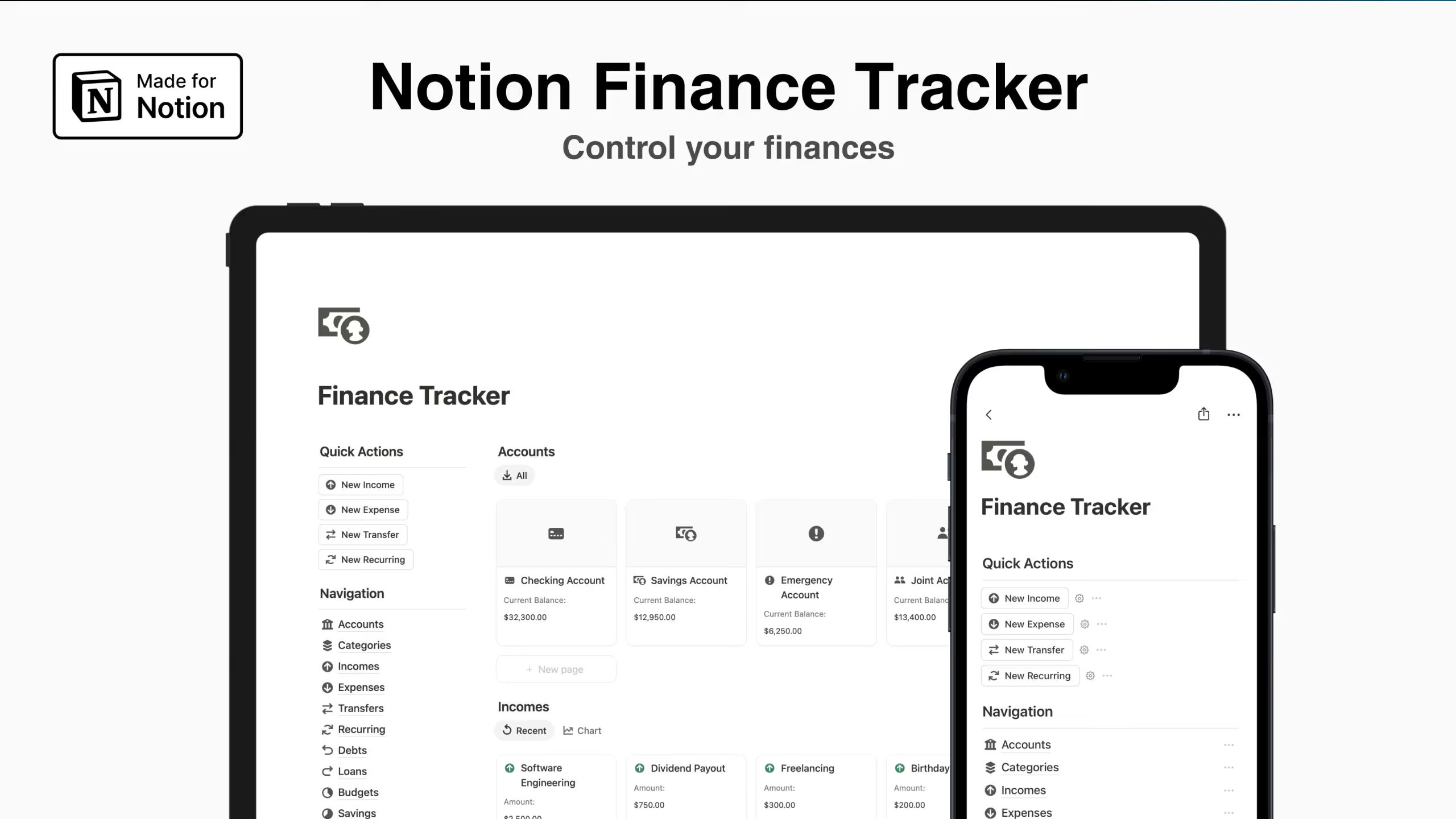
10. Notion Finance Tracker
An affordable option starting at $7 that covers account management, budgeting, and goal tracking. Good for beginners who want core features without a large investment.
Key Features:
- Account management: Track multiple accounts
- Income and expense tracking: Log all transactions
- Subscription management: Monitor recurring payments
- Financial goals: Set and track savings targets
- Monthly budgeting: Control spending by category
- Quick actions: Fast ways to add common transactions
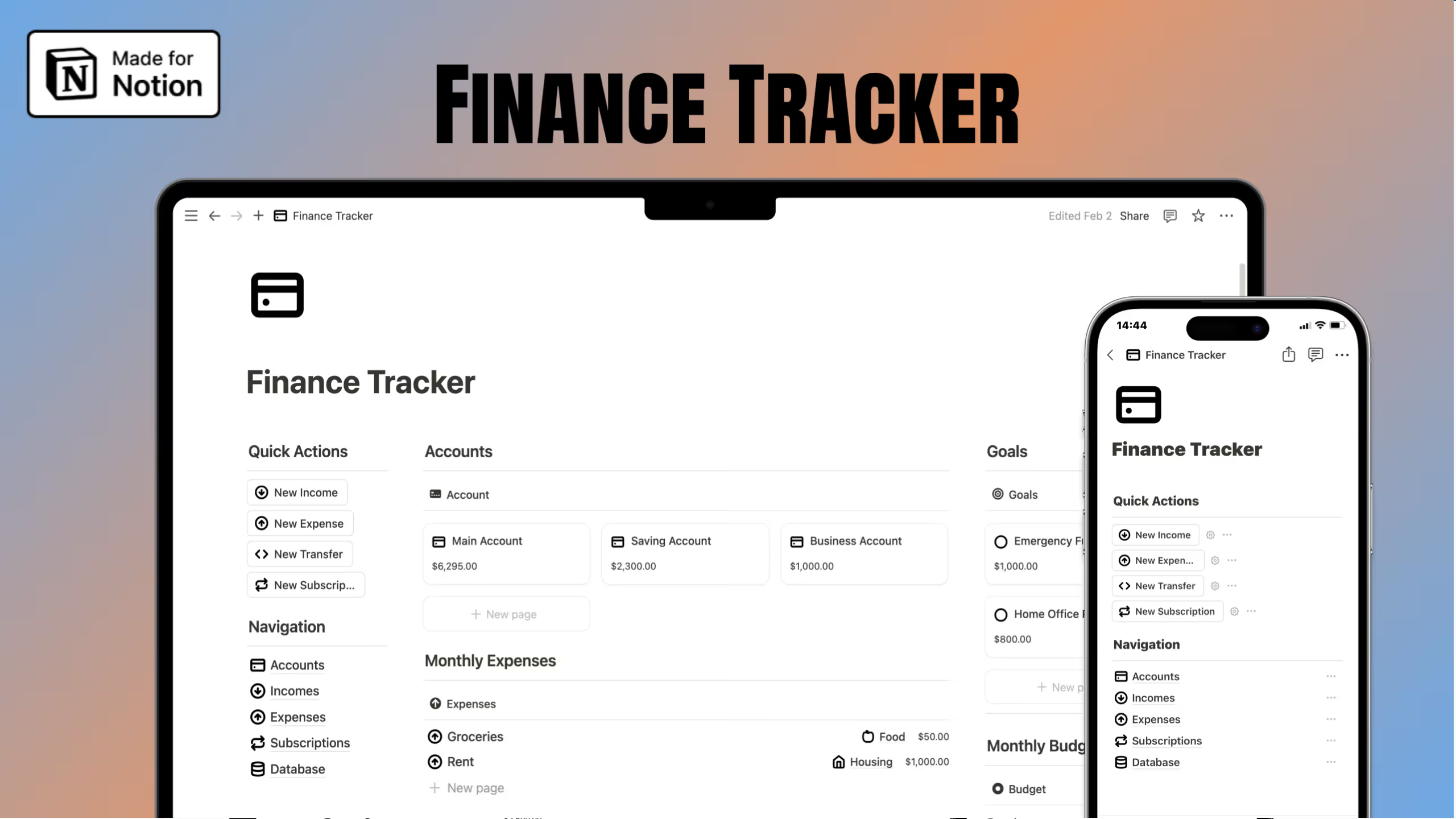
11. Free Notion Finance Tracker
A no-cost option with essential features for anyone starting their financial tracking journey. It includes income and expense tracking with monthly reports.
Key Features:
- Income management: Track all earnings
- Expense tracking: Log spending with categories
- Monthly reports: Review your finances each month
- Quick actions: Fast transaction entry
- Clean layout: Simple, easy-to-use design
- Free access: No payment required
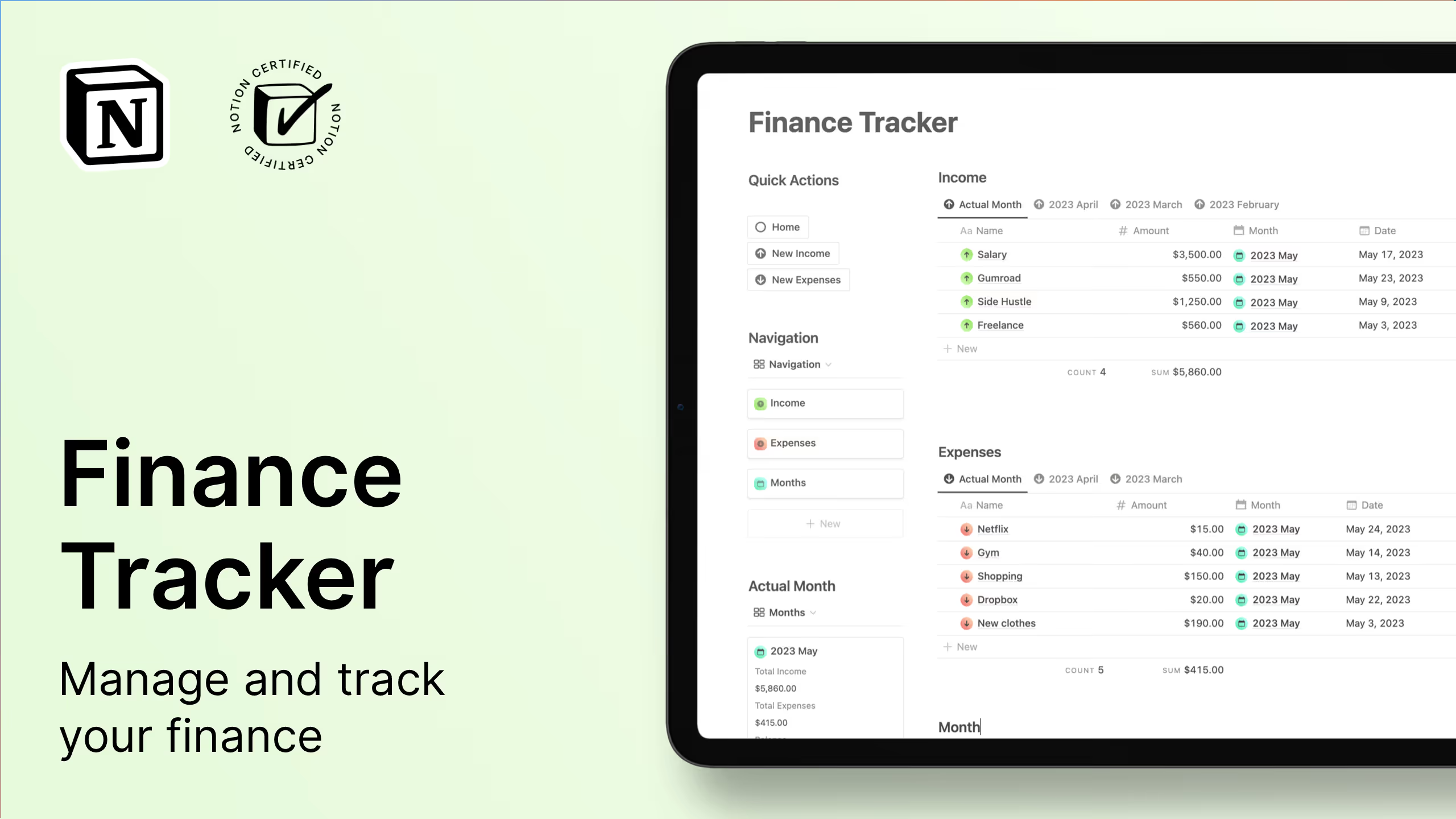
12. Free Notion Finance Tracker
Another free option that includes calendar views and monthly breakdowns. Good for visual learners who want to see their finances over time.
Key Features:
- Income tracking: Record all earnings
- Expense logging: Track where money goes
- Calendar view: See transactions over time
- Monthly views: Dedicated views for each month
- Category organization: Sort transactions by type
- Quick actions: Fast ways to add entries
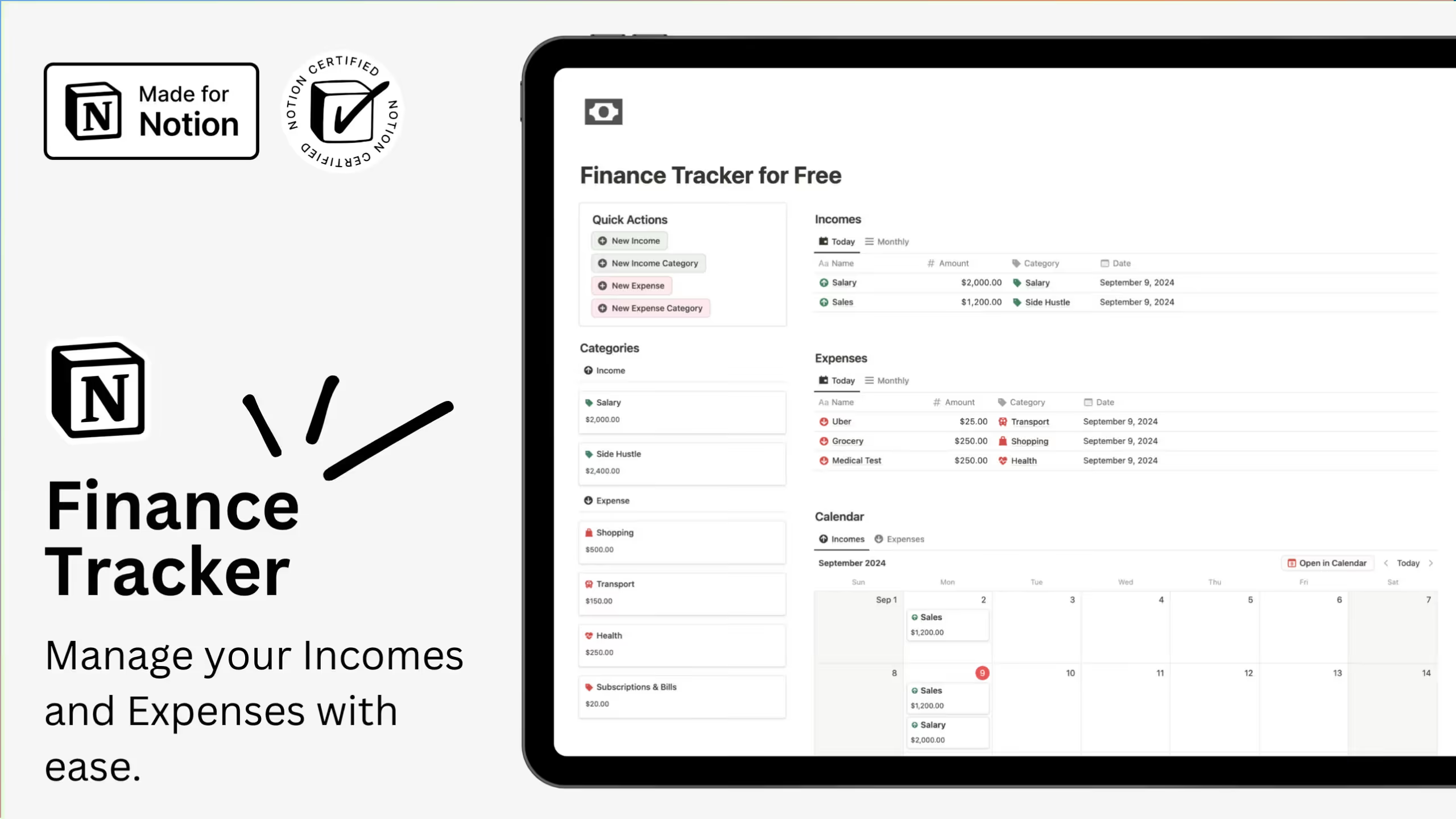
13. Free Notion Finances Tracker
A free template to get you started with basic finance tracking in Notion. Perfect for testing whether Notion-based budgeting works for you before committing to a premium option.
Key Features:
- Basic income and expense tracking: Core transaction logging
- Simple organization: Easy-to-understand structure
- Free access: No payment required
.avif)
How Do You Set Up a Basic Finance Tracker in Notion as a Beginner?
If you prefer building your own system or want to understand how these templates work, here's a step-by-step guide to creating a simple finance tracker from scratch.
Step 1: Create Your Main Page
Open Notion and create a new page. Name it something like "Finance Tracker" or "Money Hub." This page will hold all your financial databases and serve as your dashboard.
Step 2: Build Your Transactions Database
Add a new database to your page by typing /database and selecting "Table - Inline." Name it "Transactions." Add these properties:
- Name (Title): What the transaction is for
- Amount (Number): The dollar amount
- Type (Select): Options for "Income" and "Expense"
- Category (Select): Create options like Groceries, Rent, Utilities, Entertainment, Salary, Freelance
- Date (Date): When the transaction occurred
- Account (Select): Which account it came from (Checking, Savings, Credit Card)
- Notes (Text): Any additional details
Step 3: Create Different Views
Your database now holds all transactions, but different views make it useful:
Monthly View: Create a new table view filtered to show only the current month. Sort by date descending so recent transactions appear first.
By Category View: Create a table view grouped by Category. This shows your spending breakdown at a glance.
Calendar View: Add a calendar view to see when transactions occurred and when bills are due.
Step 4: Add a Simple Budget Section
Create a new database called "Budget" with these properties:
- Category (Title): Match your transaction categories
- Budgeted (Number): How much you plan to spend
- Relation (Relation to Transactions): Link to your transactions database
Add a rollup property that sums the amounts from related transactions. Then create a formula that calculates remaining budget (Budgeted minus the rollup sum).
Step 5: Build Your Dashboard
On your main page, add linked database views that show:
- Recent transactions (last 10 entries)
- Current month spending by category
- Budget progress for each category
- Account balances (if you've set up an Accounts database)
Use callout blocks or column layouts to organize these elements visually.
Step 6: Create Quick Entry Options
To speed up daily tracking:
- Add a Notion form linked to your transactions database
- Create button properties for common transactions
- Set up templates for recurring expenses
This basic setup gives you a working finance tracker. As you use it, you'll discover what features you want to add. Most premium templates started exactly this way, then evolved based on user feedback.
Is Notion Better Than Excel or Google Sheets for Finances?
This is one of the most common questions people ask when considering Notion for personal finance. The honest answer: it depends on what you need.
When Notion Wins
Notion shines for people who want an all-in-one workspace. If you already use Notion for notes, projects, or other life management, adding your finances keeps everything centralized. You won't need to switch between apps to check your budget before making a purchase.
The visual flexibility is another advantage. Notion lets you create dashboards with progress bars, calendar views, and galleries that make your financial data more engaging than rows in a spreadsheet. According to research on financial behavior, more than 8 in 10 Americans now budget regularly, a 16% increase over five years. Visual tools that make budgeting feel less tedious likely contribute to this trend.
Notion also handles linked data well. You can connect your transactions to categories, accounts, and goals, then see those relationships from multiple angles. Want to see all restaurant spending from your Chase card last month? A few clicks and you're there.
The template ecosystem saves time too. Instead of building formulas from scratch, you can duplicate a well-designed template and start tracking immediately.
When Spreadsheets Win
Excel and Google Sheets remain better for complex calculations. If you need advanced formulas, pivot tables, or statistical analysis of your spending patterns, spreadsheets offer more power. Google Sheets also supports the GOOGLEFINANCE function for pulling in real-time stock prices, which Notion can't do natively.
Spreadsheets handle large datasets more efficiently. If you're tracking thousands of transactions across many years, a spreadsheet will perform better than a Notion database.
For pure data entry speed, spreadsheets often win. Tab between cells, type numbers, move on. Notion's database entry requires more clicks, though buttons and forms can speed this up.
The Best Approach for Most People
Many finance trackers use both. They keep their primary tracking in Notion for the visual dashboard and organization, then export to Google Sheets when they need deeper analysis. Tools like Sync2Sheets can automate this connection, giving you real-time spreadsheet formulas while maintaining Notion as your input interface.
If you're starting fresh and don't have complex analysis needs, Notion offers a gentler learning curve than mastering spreadsheet formulas. The templates listed above give you working systems immediately.
Can You Sync Your Notion Finance Tracker With Your Bank Account?
Yes, though not directly through Notion. You'll need a third-party tool that connects your bank to Notion via the Plaid open banking protocol.
Tools That Enable Bank Syncing
Finta is the most popular option. It uses Plaid to securely connect to over 11,000 financial institutions, then syncs your account balances, transactions, and even investment data directly to Notion databases. It runs automatically, so your Notion tracker updates without manual entry.
According to Finta's documentation, you can also connect Stripe for business revenue tracking and set up a rules engine to automatically categorize transactions based on merchant names.
Rows offers another approach. It's a modern spreadsheet tool that connects to banks via Plaid, then pushes that data to Notion. This method gives you more control over how the data flows and lets you apply spreadsheet formulas before the information reaches Notion.
BankSync provides similar functionality, supporting connections to Notion, Airtable, and Google Sheets from your bank accounts.
How the Integration Works
The setup process is straightforward:
- Create an account with your chosen integration tool (Finta, Rows, etc.)
- Connect your bank accounts through their secure Plaid interface
- Link your Notion workspace and grant access to the relevant databases
- Configure which accounts and data you want to sync
- Set the sync frequency (daily updates are common)
Your financial data then flows automatically from your bank to your Notion tracker. New transactions appear in your database, and account balances update without you lifting a finger.
Important note: These integrations use read-only access. They can see your transaction data but cannot move money or make changes to your accounts. Your bank credentials are handled by Plaid, not stored by the integration tools.
How Can You Automate Recurring Expenses in Notion?
Manual entry kills most budgeting attempts. If you have to remember to log your Netflix subscription every month, you'll eventually forget. Notion offers several ways to automate recurring transactions.
Using Repeating Database Templates
Notion's repeating database templates let you create entries that automatically generate on a schedule. Here's how to set one up for recurring expenses:
- Open your expense database
- Click the dropdown arrow next to "New"
- Select "+ New template"
- Fill in the template with your recurring expense details (name, amount, category)
- Click the three dots next to your template
- Select "Repeat" and choose your frequency (daily, weekly, monthly, yearly)
- Set the start date and time
Now Notion will automatically create that expense entry on your schedule. Your rent payment shows up on the first of each month. Your streaming subscriptions appear on their billing dates. You just need to confirm them rather than remember to enter them.
Setting Up Button Automations
For more control, you can create button-based automations. A button property in your database can trigger actions like:
- Adding a set amount to your expense total
- Moving a transaction to "paid" status
- Creating the next occurrence of a recurring expense
This approach works well for variable recurring expenses where the amount might change slightly each time.
Subscription Reminders
Most premium Notion finance templates include subscription tracking with built-in reminders. These typically show:
- Days until next payment
- Total spent on each subscription to date
- Upcoming payments within the next 30 days
Some templates highlight subscriptions you might want to cancel, helping you identify spending that isn't providing value.
Liked this? I've got more Notion templates that might help. They're all ready to use, no setup required.
Frequently Asked Questions
Can I use Notion for budgeting for free?
Yes. Notion's free plan includes unlimited pages and databases, which is all you need for personal finance tracking. Several free templates are available, and you can build your own tracker without paying anything. Premium templates offer more features and time savings, but they're not required.
How do I track multiple accounts in Notion?
Create an Accounts database with properties for account name, type (checking, savings, credit card), and current balance. Then add a relation property to your Transactions database that links each transaction to its source account. Use rollups to automatically calculate account balances based on transaction history.
Is my financial data safe in Notion?
Notion uses encryption for data in transit and at rest. Your financial data is stored on Notion's servers with the same security as other workspace content. However, you're not connecting directly to your bank through Notion. Any bank connections go through third-party tools like Finta or Rows, which use Plaid's security protocols and read-only access.
How often should I update my Notion finance tracker?
For best results, log transactions daily or as they happen. This takes just a few seconds per entry and prevents the backlog that leads to abandoned tracking systems. If daily entry feels like too much, aim for weekly updates at minimum. Bank sync integrations can automate much of this if manual entry isn't sustainable for you.