.avif)
11 Best Notion Social Media Planners to Grow Fast in 2026

Notion social media planners can transform how you create, schedule, and manage content across every platform you use. If you've ever felt overwhelmed by the constant demands of posting consistently, tracking what works, and staying organized, these templates in Notion offer a practical solution that actually works.
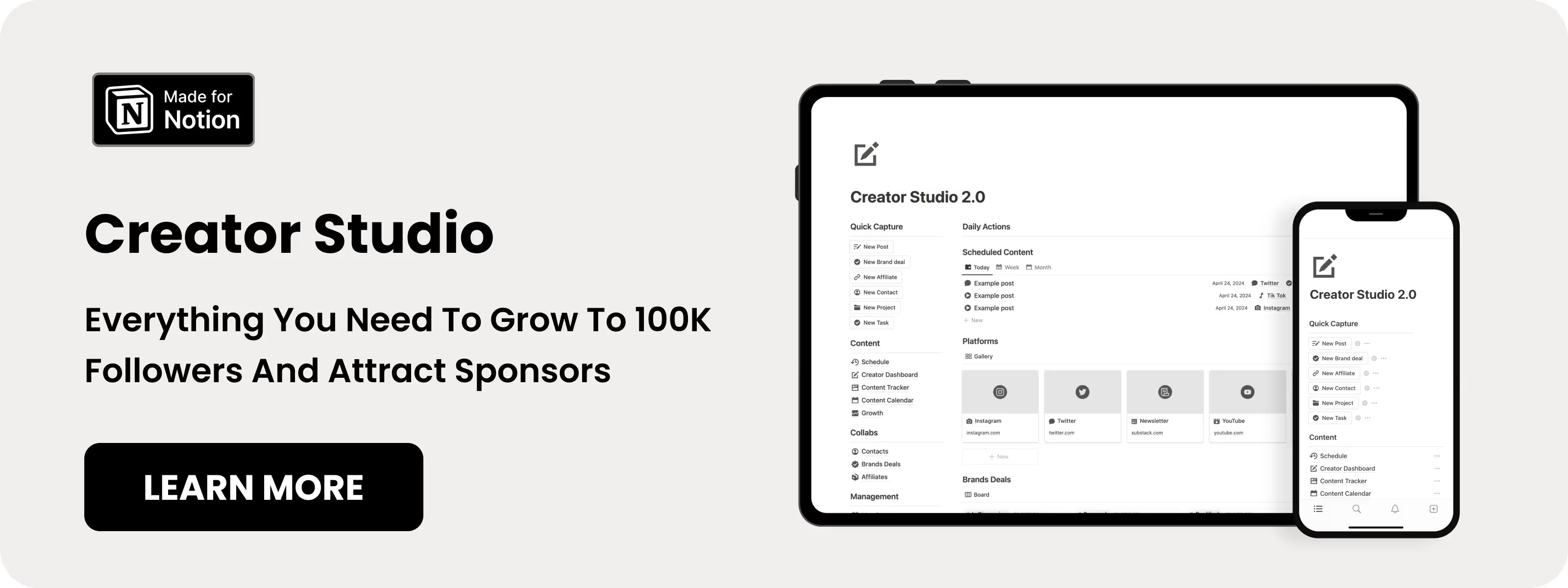
Table of content
11 Best Notion Social Media Planners
These templates help content creators organize, plan, and publish social media efficiently. Each Notion social media template here is selected based on features, reviews, and practical results for creators and social media managers.
1. Notion Creator Studio (⭐️ Recommended)
Creator Studio is one of the best Notion social media templates for creators who want to post consistently. It provides a proven framework to manage content, ideas, and growth across multiple platforms.
Key Features:
- Content Pillar Framework: Define main niche and 5-10 subniches.
- Viral Ideas Library: Save proven content ideas from top creators.
- Posting Schedule Planner: Visualize weekly posting times and topics.
- Content Status Tracker: Track content from idea to published.
.avif)
2. Notion Content Creator template
This Notion social media template is built for influencers and content entrepreneurs to manage all aspects of their creator journey. It keeps content, tasks, and brand deals organized in one place.
Key Features:
- Content Draft Creator: Templates for Instagram, YouTube, TikTok, and more.
- Sponsor Manager: Track brand deals and deadlines in one dashboard.
- Goals and Milestones Tracker: Set goals and monitor progress.

3. Notion Content Creation Hub
This Notion social media template helps creators curate, create, publish, and repurpose content efficiently. It ensures you never start from scratch with integrated inspiration and workflow systems.
Key Features:
- Content Curation System: Capture ideas from anywhere online.
- SEO and Custom Templates: Optimize content and templates automatically.
- Content Repurposing Workflow: Transform content into multiple formats.
- Complete Content Lifecycle Management: Manage all stages in one workspace.
.avif)
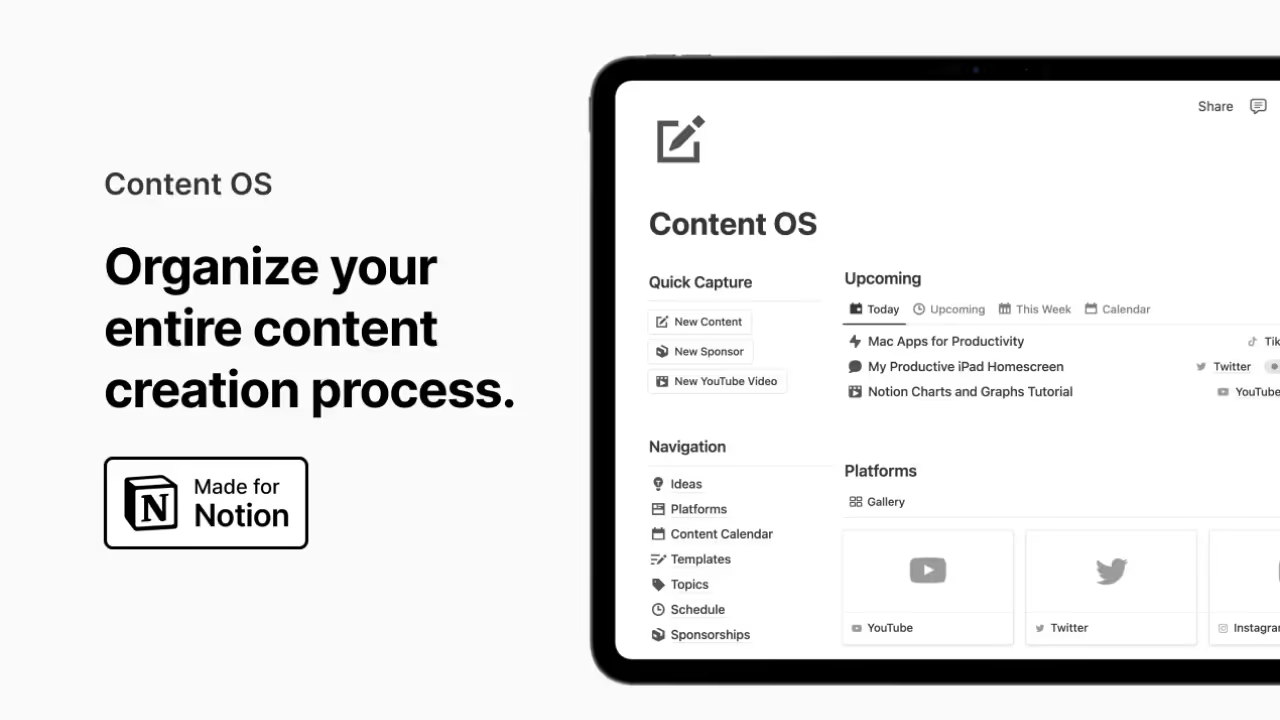
4. Notion Content OS
Content OS is an all-in-one Notion social media template to plan, write, and scale social content. It organizes channels, sponsorships, and affiliate tracking in a single system.
Key Features:
- Content Platforms Management: Track all channels in one dashboard.
- Content Calendar and Schedule: Plan content from idea to publication.
- Sponsorships Tracking: Monitor leads, deliverables, and payments.
- Affiliates Management: Track active affiliate links and performance.
5. Notion Content System
The Notion Content System is a full social media template for managing your creator business. It covers content roadmap, client management, goals, and analytics in one place.
Key Features:
- Content Roadmap: Plan audience, platforms, and weekly content.
- Client and Sponsor Management: Track content for clients and sponsors.
- Goal and Growth Tracking: Set goals and monitor progress.
- Full Analytics Dashboard: View performance, earnings, and content stats.
.avif)
6. Simple Content Creation
Simple Content Creation is a Notion social media template for organizing content from idea to promotion. A centralized database keeps blogs, social posts, emails, YouTube, and podcasts together.
Key Features:
- Centralized Content Database: All content types in one place.
- Automated Content Creation Pipeline: Move content through stages efficiently.
- Home and Pipeline Dashboards: View tasks, calendar, and content types.
- Linked Databases: Connect actions, assets, sponsors, and calendars.
.avif)
7. Notion Social Media Planner (Free)
This free Notion social media template from Temply helps creators plan 30 days of content in advance. It’s ideal for beginners who want a structured workflow without paying.
Key Features:
- 30-Day Content Planning: Plan an entire month upfront.
- Idea Capture System: Save viral post ideas for later use.
- Post Status Tracking: Track content from idea to live.
- Schedule Visibility: See scheduled and pending posts at a glance.
View Notion Social Media Planner
.avif)
8. Notion Content Calendar (Free)
Content Calendar by Easlo is a clean Notion social media template for planning and managing content across multiple platforms. It keeps everything simple and organized for creators.
Key Features:
- Unlimited Channel Support: Manage Facebook, Instagram, Twitter, LinkedIn, YouTube, TikTok.
- Content Tracking System: Track posts from idea to published.
- Clean Interface: Minimal design for focus.
.avif)
9. Notion Content Creator Planner (Free)
Content Creator Planners is a reliable Notion social media template for essential content management. It helps creators organize content, sponsorships, and track growth without complexity.
Key Features:
- Platform Manager: Track all social platforms in one place.
- Content Calendar: Visualize posting schedule clearly.
- Sponsorships Manager: Manage brand deals and deliverables.
- Growing Progress Chart: Visualize growth over time.
.avif)
10. Notion Social Media Planner by EazyPath (Free)
This free Notion social media template lets creators schedule content efficiently with a clean interface. It’s multi-device friendly and keeps content organized.
Key Features:
- Easy Post Creation: Quickly create and schedule posts.
- Platform and Type Assignment: Tag posts by platform and type.
- Multi-Device Friendly: Use on phone, tablet, or computer.
View Social Media Planner by EazyPath
.avif)
11. Notion Content Planner (Free)
The Content Planner by Mohamad Aizat is a fully guided Notion social media template for personal content management. Includes a tutorial and optional kit with resources and prompts.
Key Features:
- Ready-to-Go System: Set up in 2 minutes with tutorial videos.
- Complete Content Strategy Kit: Access 800+ tools, post ideas, and 1,000+ prompts.
- 90-Day Content Plan: Follow a structured posting schedule.
.avif)
Why Use a Notion Social Media Planner?
With over 5.24 billion social media users worldwide and people spending an average of 2 hours and 21 minutes per day on social platforms, the competition for attention has never been more intense.
The right Notion social media planner saves you from the daily scramble of figuring out what to post. Instead of starting from scratch every morning, you can plan weeks or even months of content in advance. According to Planable's survey of 1,000 marketers, 38% of marketers only plan one week ahead, while just 14% plan three or more months out. The creators who get ahead are the ones with systems that let them batch their work and stay consistent.
The creators who consistently grow their audiences aren't necessarily more talented. They're more organized. A Notion social media planner is the foundation of that organization.
Common Questions About Notion Social Media Planner templates
Can you post directly from Notion to social media?
No, Notion cannot automatically publish posts to social media on its own. However, you can connect Notion to third-party tools like Notionsocial, Scheduled, or Zapier to enable auto-publishing. These integrations scan your Notion database and post content to platforms like Instagram, LinkedIn, Facebook, and Twitter when you set a post status to "scheduled" or "done." The setup takes about 10 minutes and costs around $25/month for most tools.
Is Notion better than Buffer or Hootsuite for social media?
Notion and dedicated social media tools serve different purposes. A Notion social media planner excels at content planning, idea organization, and workflow management. Tools like Buffer (starting at $5/month per channel) and Hootsuite ($99/month) are better for direct publishing, analytics, and engagement tracking. Many creators use both: they plan and draft content in Notion, then use Buffer or Hootsuite to actually publish and track performance. If you're on a tight budget, a Notion template for social media combined with manual posting can work well.
How far in advance should I plan social media content?
According to Planable's survey, 38% of marketers only plan one week ahead, while just 14% plan three or more months out. Most successful creators recommend planning at least 2-4 weeks in advance. A good Notion social media planner makes it easy to batch your planning monthly while leaving room for timely content. The templates with content calendar views let you see your schedule at a glance and identify gaps before they become problems.
Is Notion good for social media teams and agencies?
Yes, Notion works well for teams because of its collaborative features. You can invite team members to view and edit your social media planner, assign tasks, leave comments on specific posts, and track who's working on what. Templates like Creator Studio even include features for managing brand deals and client relationships. For agencies managing multiple clients, you can create separate workspaces or databases for each account.